Drayage tracking & billing (INV-): free time, per-diem, and invoices
Last updated 2026-10-14
Track the container (vessel, discharge, customs hold, last free day), auto-accrue per-diem, then invoice: base + detention + per-diem; POD photos go to the Documents center.
Once the container is moving, two things matter: where the box is and how much free time is left. The terminal gives you a few free days with the box; after the last free day, per-diem (a daily late fee) starts ticking. When the job is done, all of this turns into the invoice.
Container tracking#
- Each container number is unique per tenant; the record holds bill of lading, vessel + voyage, terminal, last free day, free days, and per-diem rate.
- Tracking moves through: on_vessel → at_terminal → out_for_delivery → at_customer → empty_returned.
- Vessel ETA, discharge time, customs hold (plus note), export ERD and cutoff are maintained by hand for now — no live feed is connected yet.
Watch the last free day: when 2 or fewer free days remain the system flags demurrage risk, and once overdue, per_diem_accrued = overdue days × per-diem rate is calculated automatically. A late update to the last free day can silently pile up per-diem.
Free days are counted in calendar days of your organization’s timezone (Organization settings → Regional & document settings → Timezone), not UTC. If your terminal is in Los Angeles, keep America/Los_Angeles so an evening update doesn’t flip a box to “overdue” a day early.
How billing works now#
- Finish the order (completed) — the base freight is recorded for billing automatically at that moment. There is no separate “move to invoiced” step any more.
- Add extra charges on the order itself. The charge name has to exist as a billing item first — if the system tells you the name is not registered yet, add it under Billing items, then come back and add the charge.
- Waiting and late fees record themselves: detention pairs its start and end events (once per pair), and per-diem / demurrage accrue from the container track day by day — once per day, no duplicates.
- At month end, the monthly settlement in Billing turns everything into the client’s invoice, priced by the signed contract rate sheet. Charges you typed in by hand bill at exactly the amount you entered.
- The Invoices page in Drayage keeps your older invoices for reference — new invoices live in Billing. Open one there to check it container by container against what was charged.
Two charges bill themselves: detention auto-bills when a detention_end event pairs with its detention_start (hours × the order’s detention rate, USD/hour), and per-diem auto-bills from the container track’s accrued amount, recorded once per day — no duplicates.
Documents: POD and bills of lading#
POD photos, bills of lading, TIR and EIR slips upload into the unified Documents center (the driver can snap them from the mobile app). Document types are pod / bol / tir / eir / invoice / other.
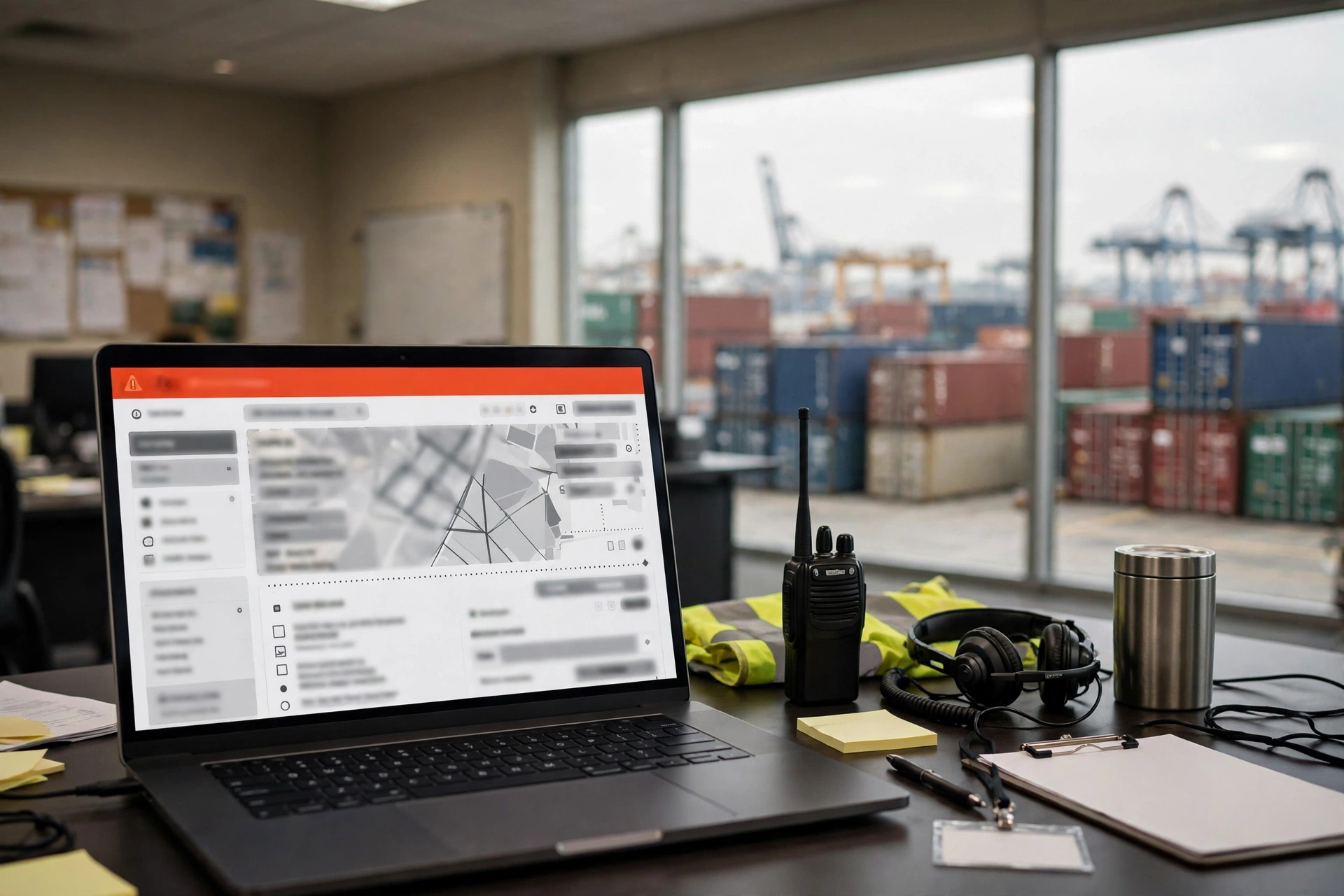
The dashboard sums it up: this month’s orders, orders in progress, on-time rate, overdue boxes, receivables, available drivers and chassis.