Temperature zones & allergen control: setup and putaway rules
Last updated 2026-10-18
Mark temperature zones on locations and allergen flags on products. Mismatched putaway is blocked (not just warned), and products with allergens are kept away from regular food locations.
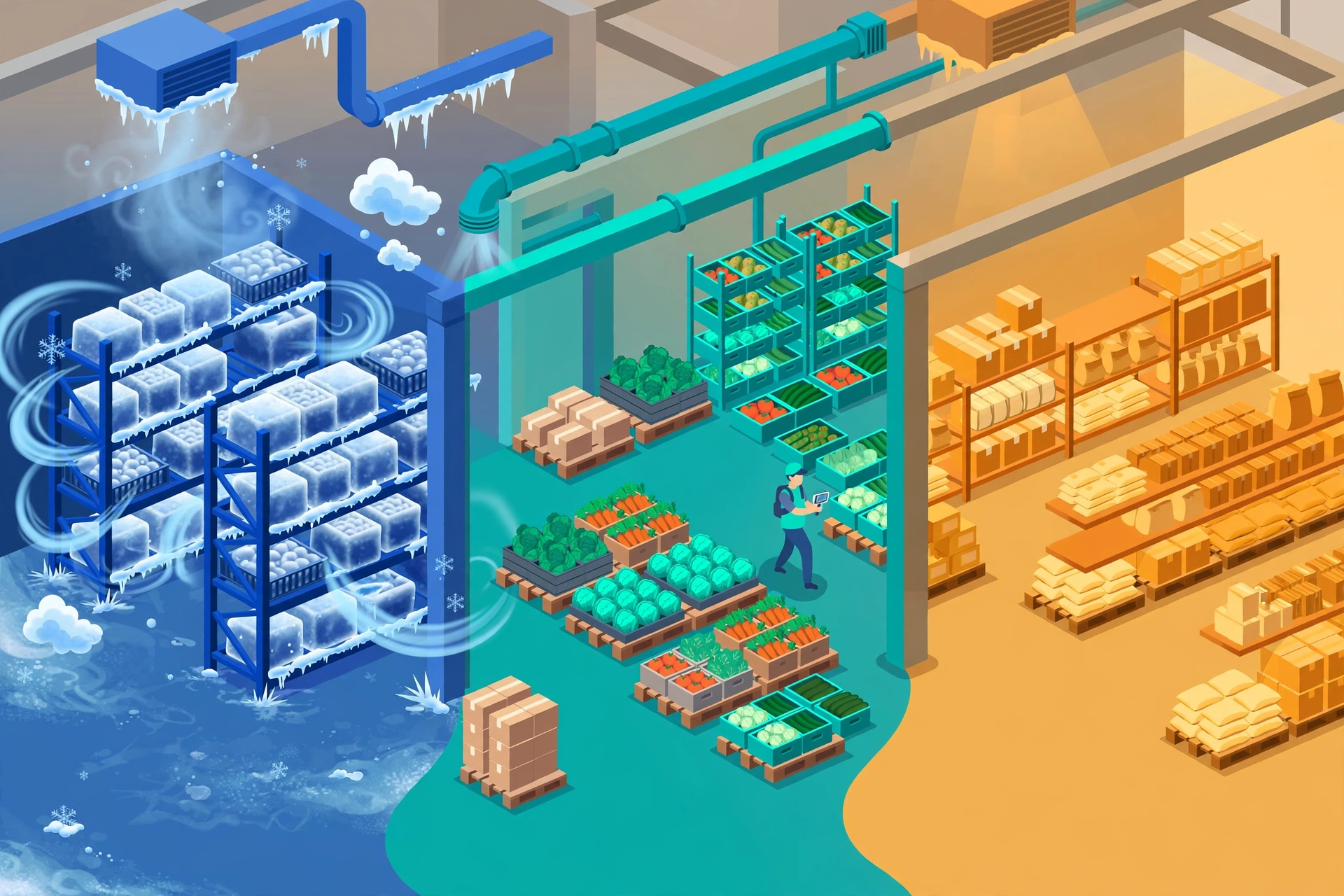
Temperature zones: setup#
- Every location carries a temperature zone: ambient (room temperature), chilled (refrigerated) or frozen. Set it on the location record in Master Data.
- Every food product carries a temperature requirement (temp_requirement). Set it on the product record.
- When you receive goods, the system only suggests locations whose zone matches the product’s requirement — cold goods are never suggested into an ambient aisle by mistake.
Hard block, not a warning: if you try to put away a product into a location whose temperature zone does not match, the system stops you — the goods cannot be put away there. This is different from the catch weight tolerance, which only flags yellow and never blocks.
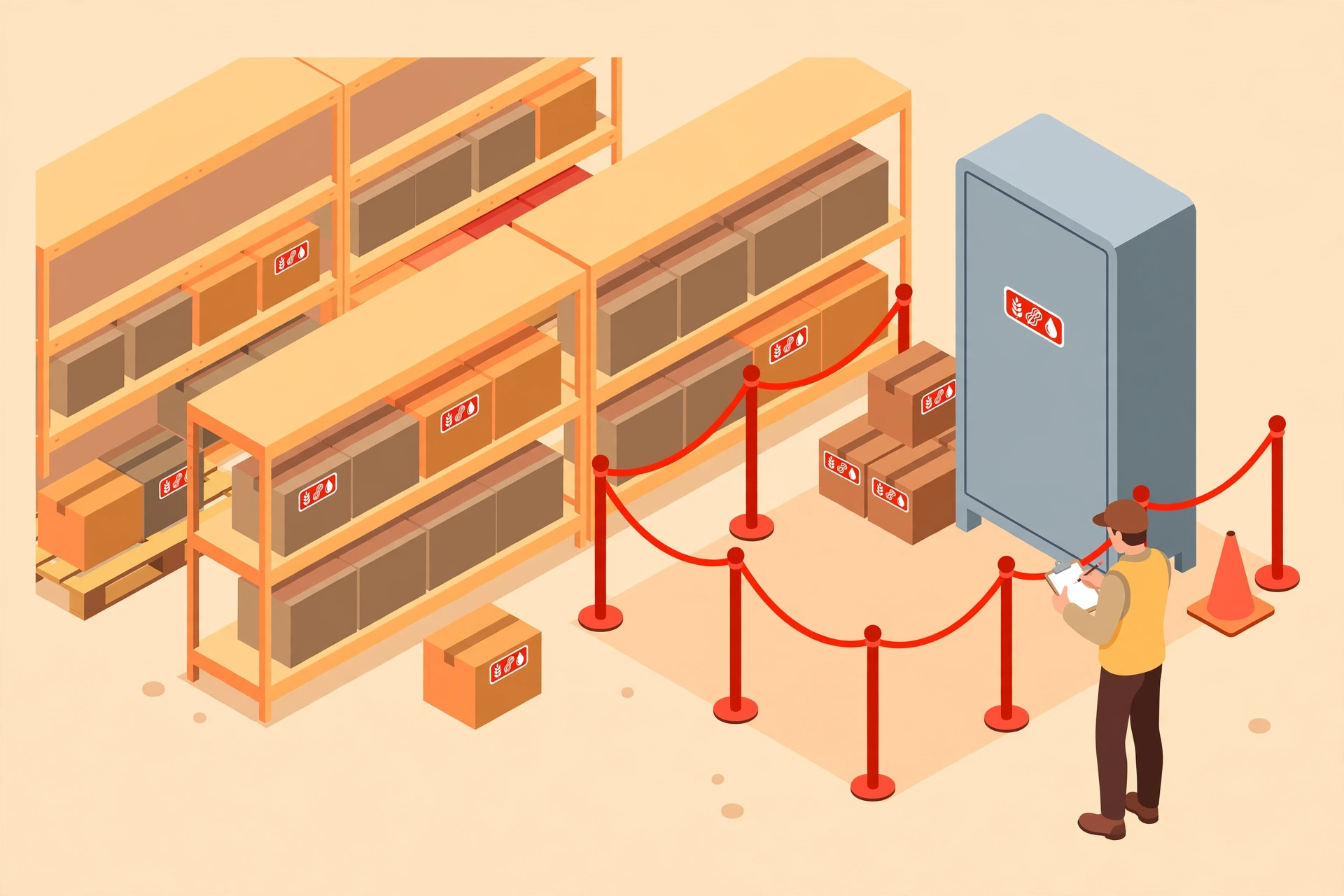
The FDA 9 major allergens#
The FDA lists 9 major food allergens. On each product you can maintain which ones it contains (allergens):
- peanut
- milk
- egg
- soy
- wheat
- tree_nut
- fish
- shellfish
- sesame
Allergen segregation at putaway#
Allergen segregation runs through the rules engine: a product that contains allergens is never suggested into a regular food location. Putaway recommendations keep allergen products in their own segregated area, away from products without allergens.
Zero disruption: if your tenant does not handle food (e.g. a general 3PL), your screens look exactly the same as before — this is purely additive. Nothing is hidden, and the new fields only appear where you actually use them.
FAQ#
- What if a product has no temperature requirement? Then the zone check does not apply to it — the system only enforces the match for products that have a temp_requirement.
- Can I change a location’s temperature zone when it still has stock? Talk to your warehouse supervisor first — the change affects future putaway suggestions, and stock already sitting there is not moved automatically.