WMS loads and TMS orders: two-way auto-sync
When a load task closes, a TMS transport order is created automatically. When TMS plans a route, a WMS load is created automatically. Per-client switches, loop protection, and status write-back.
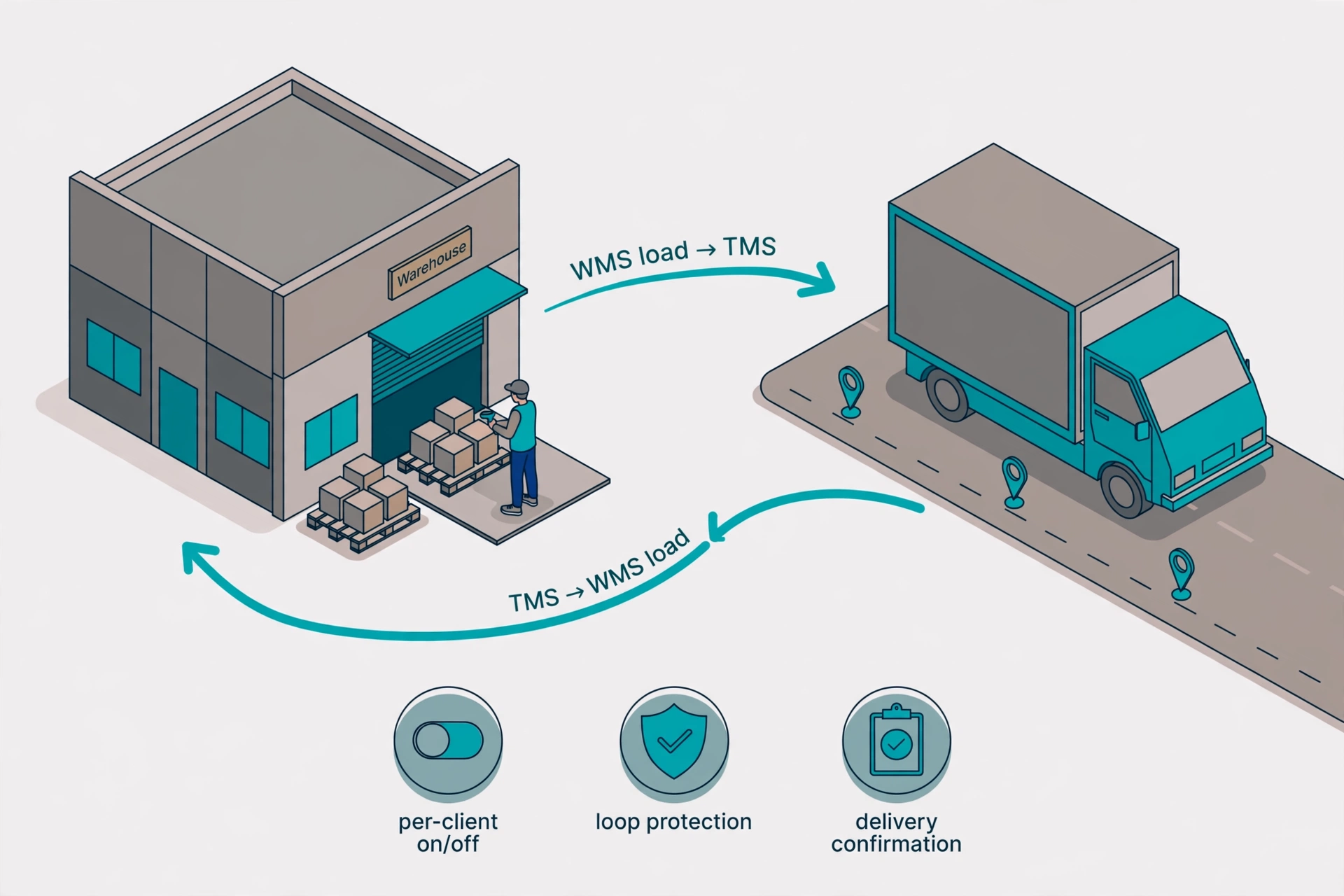
How it works#
There are two directions, each controlled by its own switch (per client, in the client detail page under “TMS Integration”). If a client has no switch configured, nothing is pushed — zero disturbance.
Direction 1: Load done → TMS order#
When you close a load task on the phone (all LPNs scanned), the system automatically creates a TMS transport order with the orders, trailer number, driver, dock, and loading time. Delivery stops come from the milk run sequence, or from the order stores if there is no milk run. The TMS order page shows a link back to the WMS load, and the WMS load page shows the TO number as a link.
Direction 2: TMS plan → WMS load#
When TMS dispatch plans a route (with stops), the system automatically creates a WMS load and pulls in matching outbound orders: same client, allocated status, store in the route stops, and not already on another load. Orders are sequenced by the TMS stop order.
No infinite loops#
Both switches can be on at the same time. Auto-created documents never trigger another auto-create: each chain starts from one manual action. A load created by TMS will not push back to TMS when it completes, and an order created by WMS will not create another WMS load.
Delivery status writes back#
When TMS marks the order delivered, the outbound orders in the WMS load become “delivered” automatically. If TMS marks it rejected, a note is left on the load and the return is handled manually as an RMA.