The e-commerce warehouse: many SKUs, many orders, few pieces per order
How an e-commerce warehouse differs from a bulk warehouse: shelving and totes for piece picking, orders flowing in all day, batch and cluster picking, a packing line, and how to survive the promotion peak.
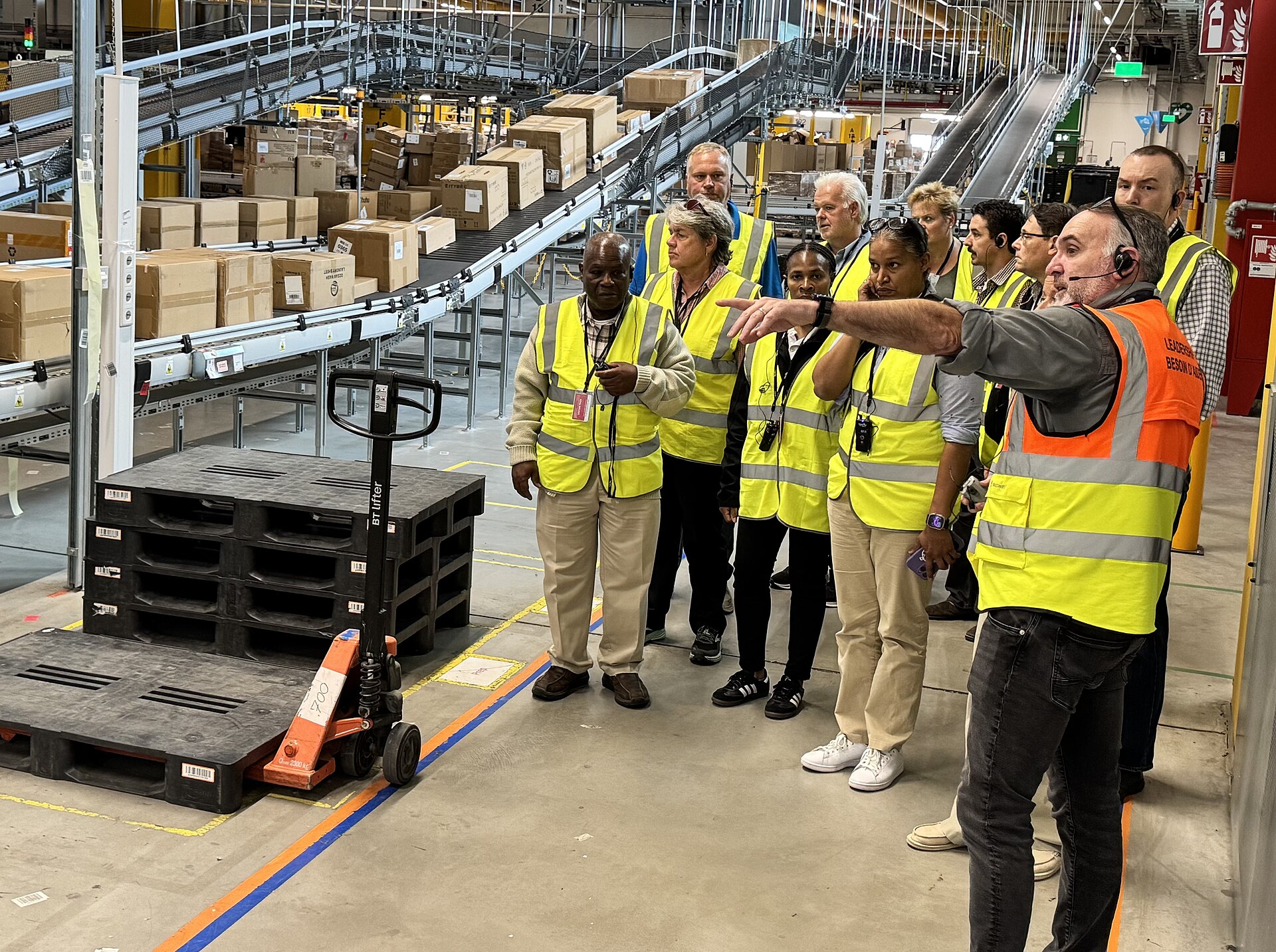
Walk into an e-commerce warehouse and a bulk wholesale warehouse on the same morning and the difference hits you in the first minute. The wholesale site moves whole pallets in and out, a few dozen orders a day, each one big. The e-commerce site does the opposite: consumers tap on phones all day, and the warehouse turns thousands of tiny orders into parcels. Almost every design choice in this building — shelving instead of tall racks, totes instead of pallets, a packing line instead of a dock crew — follows from that one fact: the customer buys pieces, not pallets.
First, read the order profile: three numbers explain everything#
SKU count is big: a mid-size e-commerce warehouse easily stocks 5,000 to 50,000 different products, from phone cases to kettles. Order count is big: hundreds on a quiet day, tens of thousands in a promotion. Pieces per order are tiny: most orders carry one to three items, and single-item orders are often the majority. Hold these three numbers in your head and the rest of this article is just their consequences: storage must hold a little of everything within arm reach, picking must touch many locations for very few pieces, and packing — not picking — is usually where the day is won or lost.
| Compared point | E-commerce warehouse | Bulk wholesale warehouse |
|---|---|---|
| Who orders | Individual consumers, all day, in small bursts | Business customers, on schedules, in planned batches |
| Pieces per order | Usually 1–3 pieces | Whole cases or whole pallets |
| Main picking unit | Single items picked by hand from shelving | Pallets moved by forklift |
| What goes out the door | Parcels with carrier labels, sorted by carrier | Pallets or truckloads against a delivery appointment |
| Peak shape | Promotions multiply volume 3–10 times in days |
So the whole warehouse is designed around breaking bulk. Goods may arrive in cases or on pallets, but they are broken down early into single items on shelving, because that is the size the customer ordered. Every process after that — picking, checking, packing — works at piece level, and any step that still thinks in pallets will slow the line down.
Storage and pick faces: shelving and totes run the show#
The working heart of an e-commerce warehouse is the shelving area: rows of shelf racks with bins and dividers, everything at hand height, one bin face per SKU. A picker walks the aisles with a cart of totes, takes one or two pieces from a bin, scans, and moves on. Whole cases and pallets still exist, but they live behind or above as reserve stock — their job is only to feed the pick faces. The practical rule for shelf layout: the 20 percent of SKUs that appear in most orders get the shortest walk from the packing area, because that walk is repeated thousands of times a day.
Pick faces empty fast, so replenishment is a permanent side job: when a bin runs low, reserve stock is brought forward and the bin is refilled before the next picking wave finds it empty. Beginners underestimate this job and staff it with whoever is free; veterans schedule it, because an empty pick face does not just delay one order — every order containing that SKU stalls at the same shelf.
In Docklify this split is a location type: pick faces are created as picking locations, managed separately from whole-pallet storage locations (WMS → Locations), so pick tasks draw from the working face while replenishment and counts treat face and reserve as the two different things they are.
Orders flow in all day: the warehouse works in cut-offs and waves#
Unlike a wholesale warehouse that plans tomorrow today, an e-commerce warehouse cannot see its day in the morning. Orders arrive minute by minute from the storefronts, and the building organizes itself around cut-off times: orders paid before, say, 16:00 are promised out today, later ones tomorrow. Work is released in slices — a batch of orders every hour or two — so picking, packing and the carrier pickup stay in step instead of flooding all at once at closing time. The cut-off is a promise to the customer, and every internal deadline is just that promise counted backwards.
In Docklify the intake side is OMS: sales orders enter by hand, by CSV import, by channel pull from the marketplaces and stores, through the Merchant Portal, or from a CRM deal. In wms_sync mode OMS only reads WMS available stock and pushes released orders down to WMS as outbound shipments — picking, packing and shipping all happen on the WMS side, and shipment progress flows back to the OMS order timeline.
Picking: one trip should serve as many orders as possible#
Order Pick — one picker, one order, one trip — is the simplest mode and still the right one for the exceptions: big multi-line orders, fragile or high-value goods, anything where mixing would be dangerous. Its cost is walking: if every one of 3,000 daily orders walks the aisles alone, most of the shift is spent on travel, not picking. That is why the default question in an e-commerce warehouse is never whether to combine orders, but how.
Batch and cluster picking answer it by merging trips. The picker pushes a cart carrying many totes, one tote per order, walks the shelves once, and drops each picked item straight into the right tote — pick and sort in the same motion. Lines for the same SKU at the same location merge into one stop across all the orders on the cart: ten orders wanting the same phone case cost one walk and one reach, not ten. The discipline that makes it work is absolute: one tote, one order, and a scan before every drop, because a wrong drop is a wrong shipment discovered by the customer.
In Docklify, outbound orders generate pick tasks in WMS → Outbound Orders → Create pick task, in the three modes: Order Pick, Batch Order Pick and Wave Pick. For Cluster Pick the flow is strict on mobile: bind the cart first, pick the merged lines, confirm tote by tote, then release the cart — so the per-tote split is recorded as it happens, not reconstructed later.
Wave Pick serves the opposite crowd: thousands of single-unit orders of a handful of hot SKUs, typical in a promotion. Instead of walking per order, the team picks by SKU across all orders — one big sweep of each hot item into LPNs — and the orders are matched afterwards at consolidation or the packing bench by scanning the item. It trades a sorting step later for a huge saving in walking now, and it only pays when the same few SKUs repeat hundreds of times.
In Docklify, waves are planned, not improvised: release waves manually or by schedule from a wave template (WMS → Wave Release), group shipments by filter, and watch pick progress per wave in the Wave Monitor — which is what lets a supervisor see a promotion wave falling behind before the carrier cut-off does.
The packing line: where pieces become parcels#
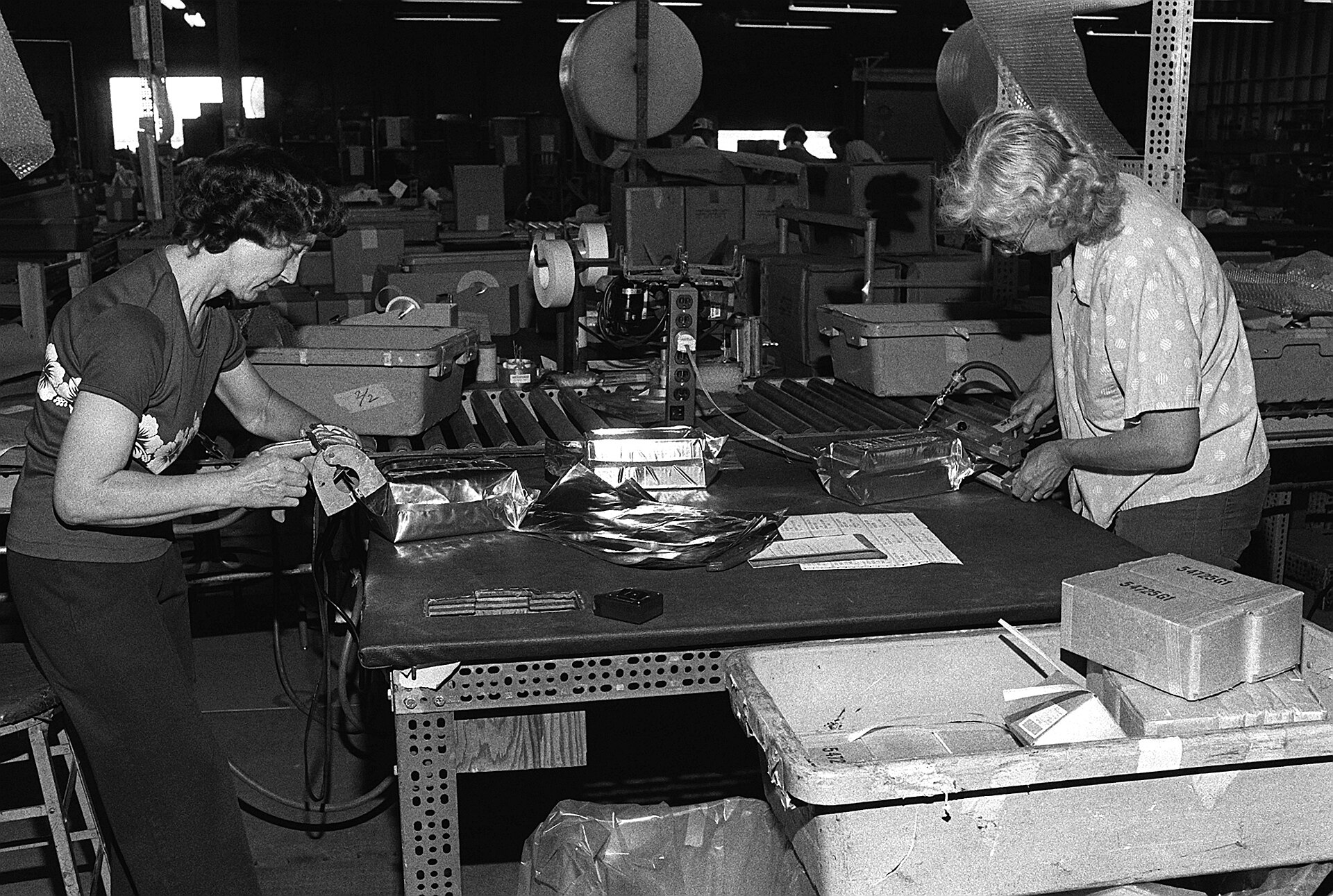
Packing is a line, not a pile of benches. A tote arrives, each item is scanned against the order — this scan is the last cheap chance to catch a wrong pick — the right carton is chosen, protection added, the box sealed, weighed, and the carrier label printed and stuck on. One bench finishes an order in one to three minutes, and the benches are fed in a steady rhythm by the picking waves ahead of them. When a queue forms here, the cause is rarely slow hands: it is too few benches for the order mix, carton sizes missing at the wrong moment, or waves released bigger than the line can swallow.
In Docklify this line is the Packing Station (WMS → Packing Station): how you call the order up depends on how it was picked — scan the order, LPN or task number for Order Pick, the cart or tote number for Cluster Pick, or the LPN for Wave Pick — then pack-verify item by item, split into packages or ship as-is, weigh, print the shipping label and confirm dispatch, all on one screen.
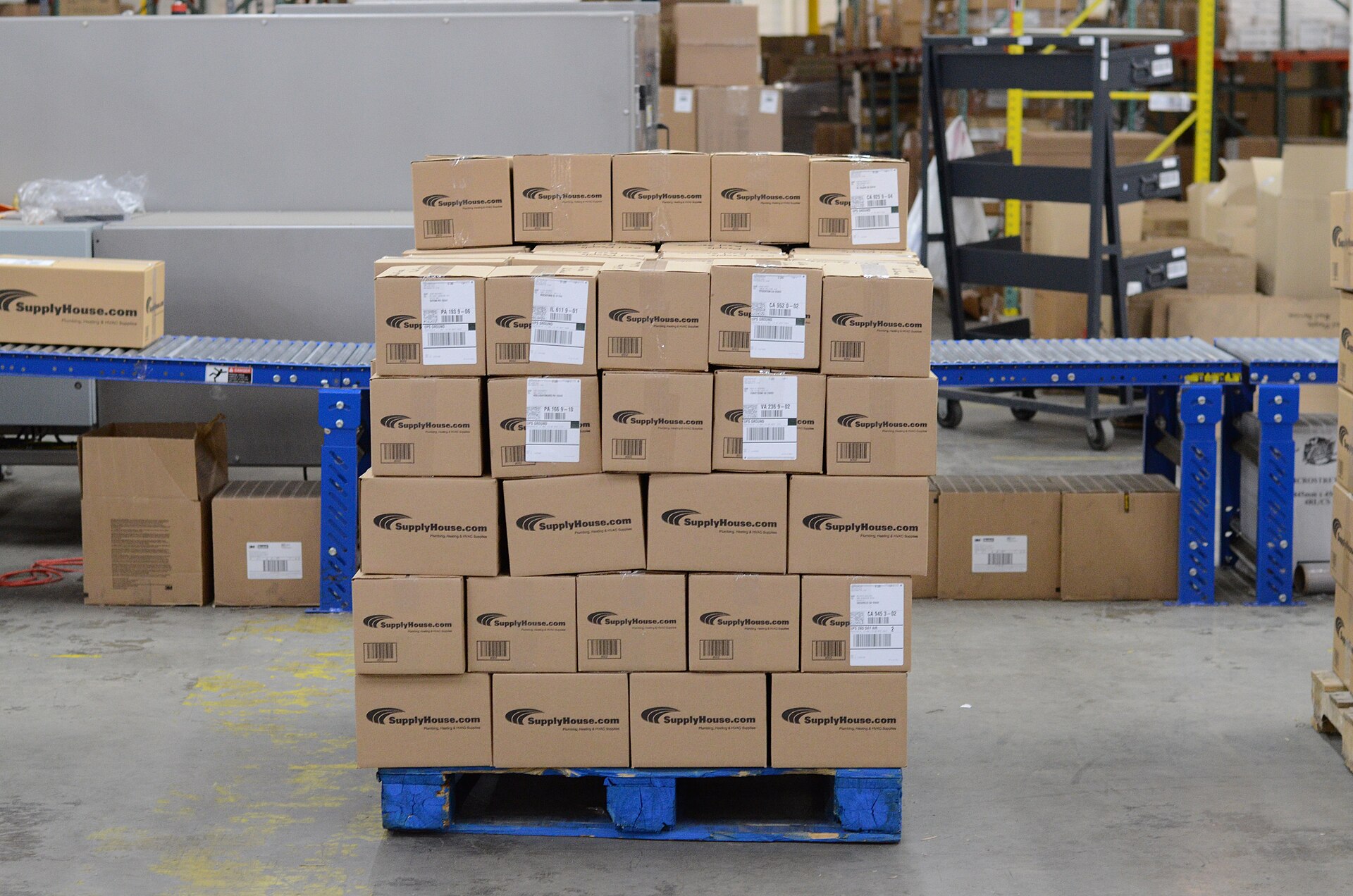
After the label, a parcel is sorted by carrier and route into staging stacks and waits for its pickup window. This last buffer looks passive but decides the day: miss the pickup and a thousand on-time packings still become late deliveries. Mature sites protect staging space fiercely during promotions, because overflow parcels parked in aisles slow every forklift and cart behind them.
Surviving the promotion peak: volume times three to ten#
A promotion does not make the day a bit busier; it changes its shape. Orders arrive at three to ten times the normal rate, the share of single-item hot-SKU orders jumps, cut-offs move earlier, and carriers add their own pickup limits. The warehouses that survive are not the ones that work harder that week — they are the ones that prepared in the weeks before: hot SKUs pre-picked or pre-packed, packaging materials stocked deep, extra benches set up, temporary hands trained on the simplest stations first.
- Shrink the waves. Smaller, more frequent picking waves keep packing fed evenly and expose a falling-behind wave within the hour, not at the cut-off.
- Pre-pack the predictable. The top hot SKUs in standard combinations can be packed before the peak into ready cartons; at the peak they only need a label.
- Stock the boring things deep: cartons of every size, tape, labels, printer ribbons. Peaks are lost to missing cardboard more often than to missing people.
- Move receiving out of the way. Inbound trucks pause or shift to off-peak hours during the biggest days, so dock doors and forklifts serve outbound only.
- Add benches before adding pickers. Picking can always go faster into a queue; only packing converts totes into shippable parcels.
Returns are the shadow flow of e-commerce: a noticeable share of parcels comes back, especially in clothing. Returned parcels are opened and inspected in a separate returns area, and only goods that pass inspection re-enter sellable stock; the rest go to rework or disposal. Treating returns as a side errand is how sellable stock quietly fills with items somebody already wore.
In Docklify the returns flow has its own home in RMS (SaaS → RMS): receiving and inspection of returns run separately from forward stock, and a returned item re-enters sellable inventory only through an explicit disposition decision — the same separation the floor layout makes with a physical returns area.
Beginner mistakes in an e-commerce warehouse#
- Running small orders with wholesale habits: sending a picker alone per order, or keeping stock only in whole cases, so every order starts with breaking a case open.
- Letting pick faces starve. No scheduled replenishment means the best pickers spend their shift waiting at empty bins or walking to reserve stock themselves.
- Counting benches by floor space instead of by orders per hour, then discovering at the first promotion that packing — not picking — is the ceiling.
- Releasing giant waves. One huge wave feels efficient and quietly buries the packing line and the consolidation slots for hours.
- Mixing returns into forward stock without inspection, because the shelf was closer than the returns area.
An e-commerce warehouse is a machine for turning many small promises into parcels on time. Keep the pick faces full, merge the walking, protect the packing line, and prepare the peak before it arrives — the rest is rhythm.
Docklify features used in this article#
- Pick faces as picking locations, separate from storage locations — WMS → Locations
- Order intake five ways, and wms_sync push of released orders to WMS outbound shipments — OMS
- Pick tasks in Order Pick, Batch Order Pick and Wave Pick; Cluster Pick with cart binding and per-tote confirmation — WMS → Outbound Orders → Create pick task
- Wave templates, scheduled or manual wave release, and per-wave progress in the Wave Monitor — WMS → Wave Release
- Pack-verify, package splitting, weighing, label printing and dispatch confirmation on one screen — WMS → Packing Station
- Returns receiving and inspection kept separate from forward stock — SaaS → RMS