YMS: equipment and yard spots
See which trailers and containers are in the yard, who sits where, and spot occupancy on the dashboard.
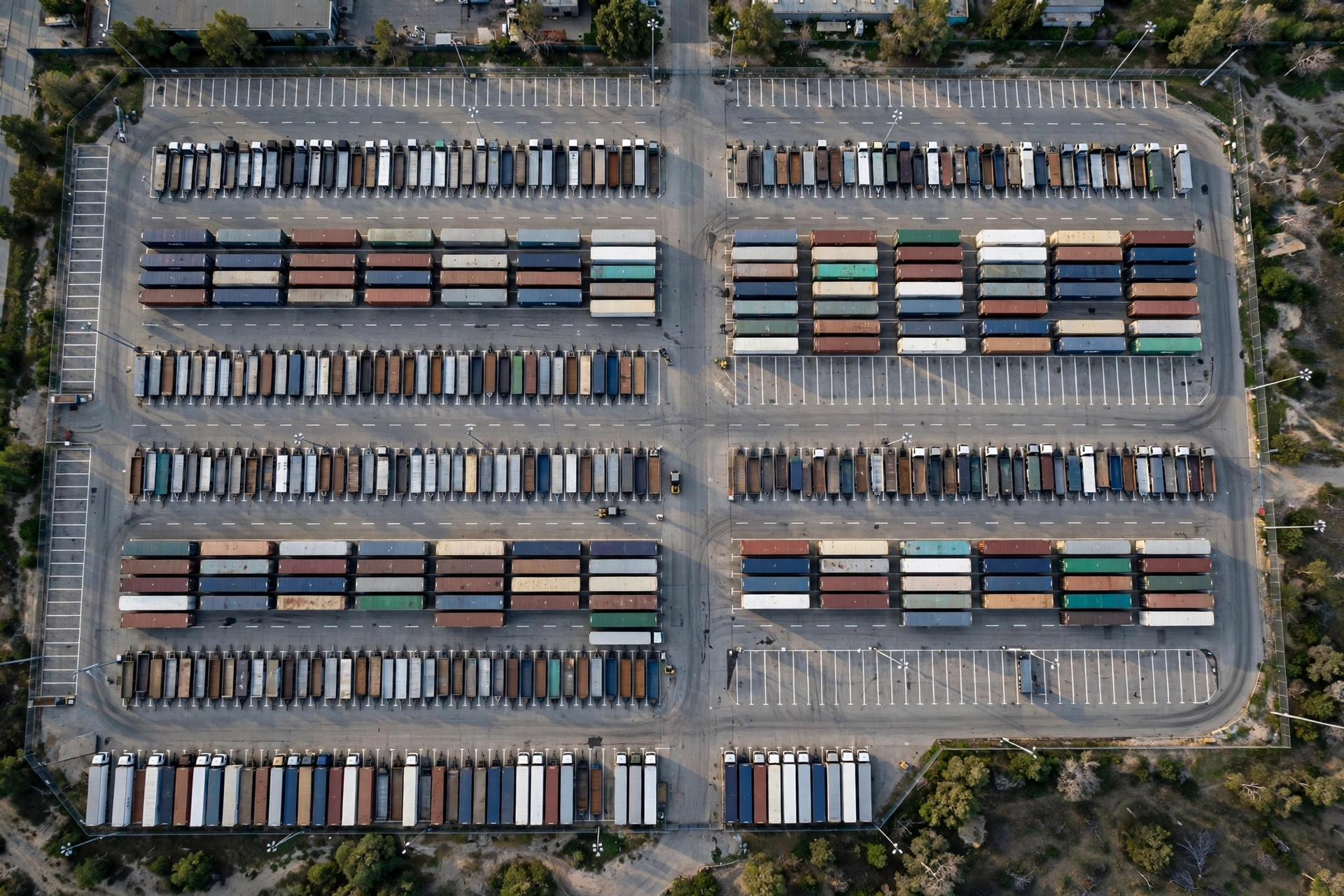
Equipment means the trailers, containers, tractors and chassis that are physically in your yard. Each piece has a status: in_yard (parked), at_dock (at a loading dock), or departed (gone). This page is the “who is where” board — it shows every in-yard piece and the spot it sits on. A shared master table, shared_locations, holds both parking spots and loading docks, and WMS uses the same table.
Spot status, the four words#
- available — empty, anyone can take it.
- occupied — an equipment is parked there (the spot records which one).
- reserved — held for someone (e.g. an upcoming appointment), only the reserved truck takes it.
- disabled — not usable right now (repairs, snow, blocked).
Flags the dashboard watches#
- need_loading — equipment waiting to be loaded (someone has to put goods on it).
- need_offloading — equipment waiting to be unloaded (feeds the WMS receiving pipeline).
The equipment list can be filtered by status, equipment type (trailer/container/tractor/chassis/other), and these flags. Open a piece of equipment to see its history — every gate and movement event in one timeline.
On the phone: the equipment list#
In the mobile app, open YMS → Equipment to see every unit in the yard. Use the search box at the top to find a unit by its number or carrier — type it in, or tap the scan button to scan a code. If this yard has no equipment yet, the page says so in plain words: units appear here after they are checked in at the gate.