YMS: movement tasks (move equipment between spots)
Last updated 2026-10-14
Create a move order (MV-) to take a trailer from one spot to another; the mobile app walks the driver through pick and drop.
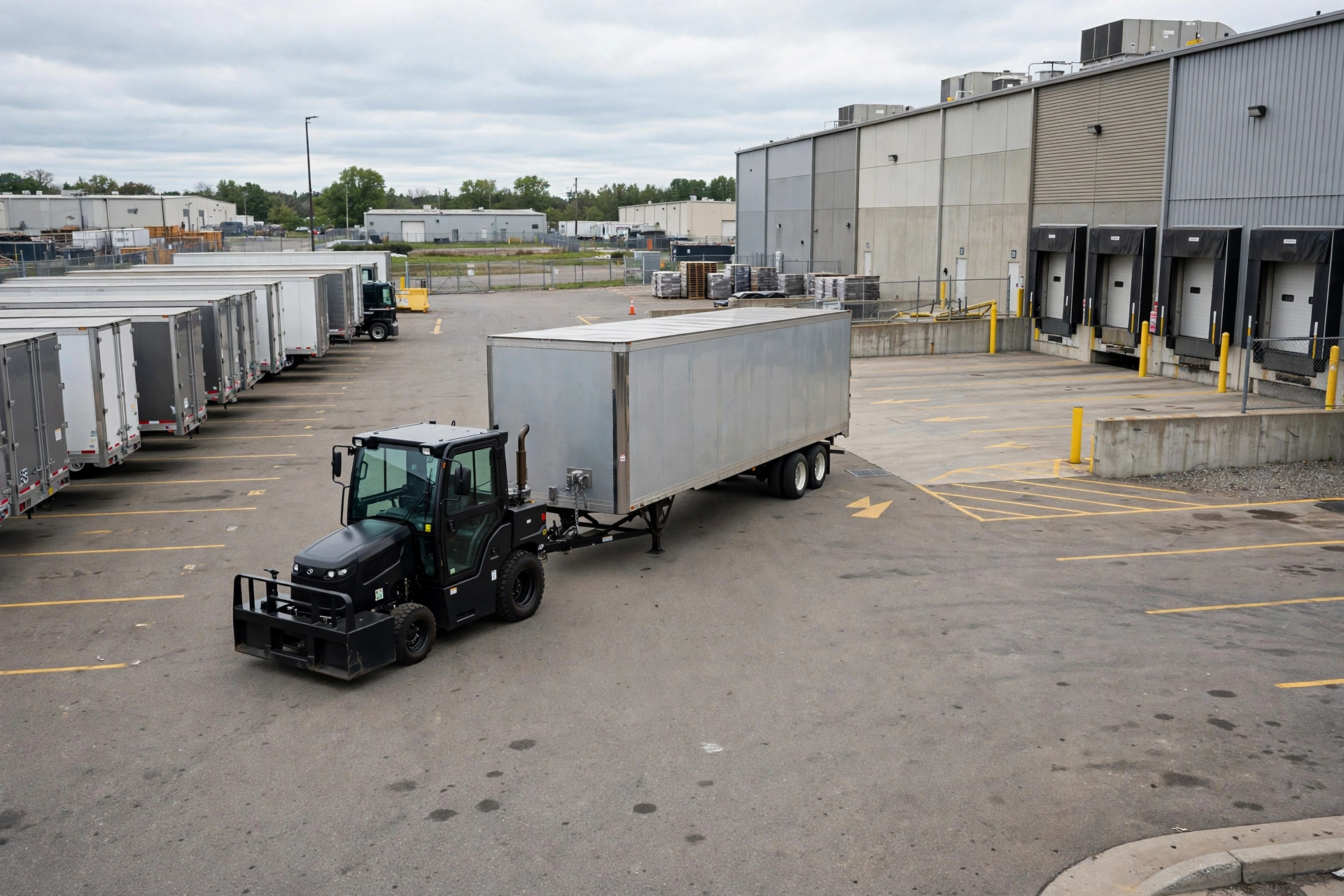
A movement task is a work order to relocate one piece of equipment: take a trailer off spot A and park it on spot B or at a dock. Dispatchers create these in the office; yard drivers execute them on the mobile app. Each task gets a number like MV-000001.
Create a movement task#
- Pick the equipment to move (equipment_id).
- Pick where it is now (from_location_id) and where it should go (to_location_id).
- Optionally assign a driver and a priority (normal/urgent), then save: status = new.
The driver does pick, then drop#
- Accept the task on the mobile app: status becomes in_progress (started_at is recorded).
- Step 1 — Pick: go to the from spot, confirm you’ve taken the equipment. Status becomes picked (picked_at is recorded).
- Step 2 — Drop: deliver it to the to spot, confirm the drop. Status becomes closed: the equipment moves, the old spot is freed and the new spot becomes occupied.
Exceptions and cancellations#
- exception — something went wrong (flat tire, blocked spot): the driver reports it with an exception_reason; the dispatcher can resume (back to in_progress) or close it.
- cancelled — the task is no longer needed; the equipment stays where it is.
The destination spot must be free (available or reserved) when the task closes, and one piece of equipment can never occupy two spots at once — the system releases the old spot first, then occupies the new one. If the drop spot is taken, close the task fails; pick another spot.
The movements board groups tasks by status (new / in_progress / picked / exception / closed) with counts, and the “mine” filter shows only tasks assigned to you — including unassigned ones you can grab.