LastMile delivery & returns: proof, tracking, and take-backs
LMD- deliveries with POD proof (signature/photo/barcode/OTP), public customer tracking links, failed-stop redispatch, and LRT- returns.
A delivery (number starting with LMD-) is the task "take this parcel to this person". A return (LRT-) is the reverse: "go to the customer and bring the goods back". Use deliveries for the daily drop-offs, and returns when a customer rejects or sends something back.
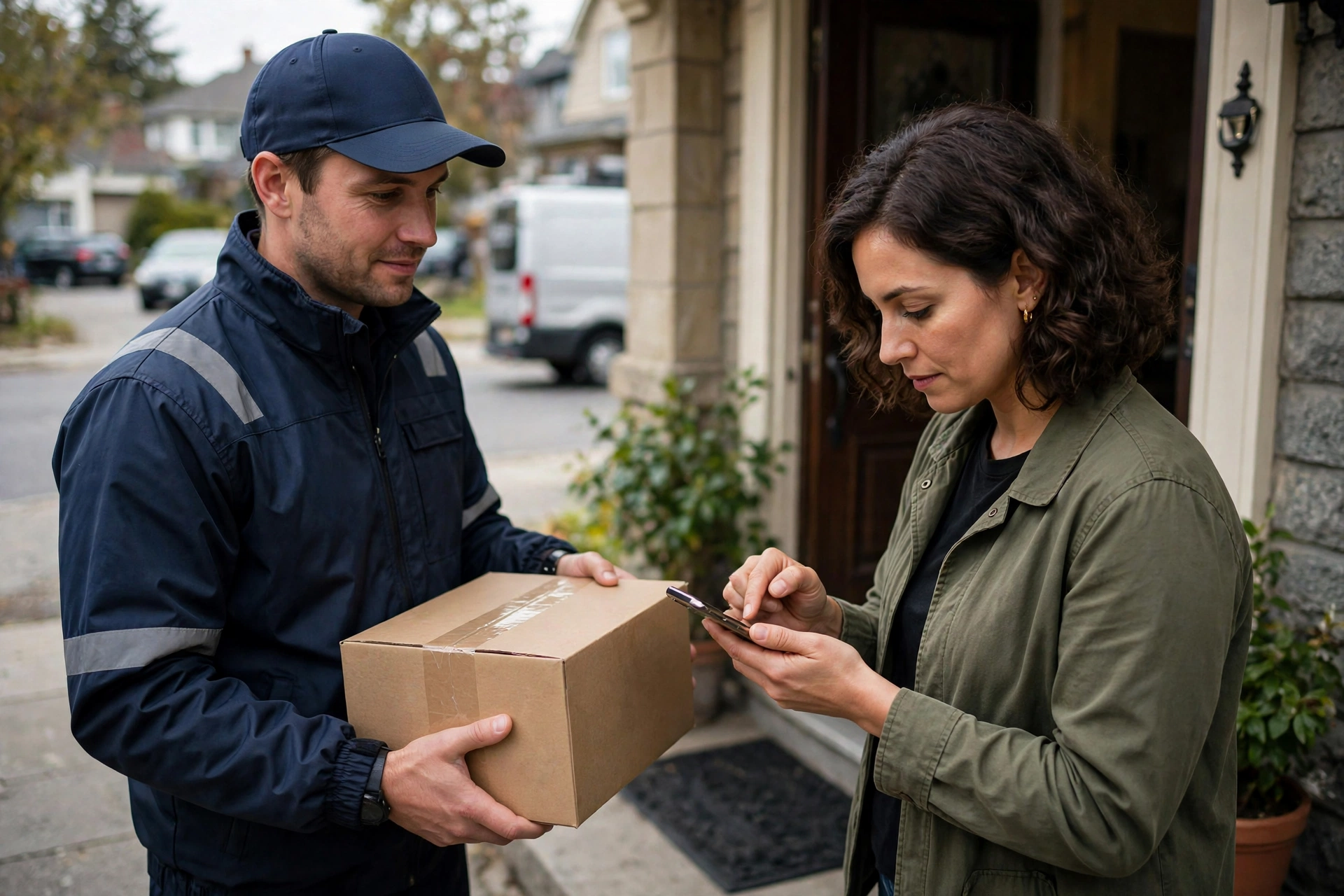
A delivery’s journey#
- Create the delivery: recipient name, address, phone, package/pallet counts, handling unit (parcel/pallet/bulky). Task type is normally delivery; pickup_delivery is used for return pickups.
- Dispatch it to a route or driver (pending → assigned). The driver then taps through the statuses on the mobile app: in_transit when leaving, arrived at the door (writes a tracking event only — the status itself does not change).
- Collect POD at the door (see below) → the delivery becomes delivered, stamped with the delivery time and a delivered tracking event.
POD: proof the parcel arrived#
POD stands for "proof of delivery" — evidence that the parcel reached the customer. Four methods: signature (the customer signs on the phone), photo (a picture of the parcel or door), barcode (scan the parcel barcode), or OTP (the customer reads out a pickup code, which must match the one stored on the delivery). When a driver taps "delivered" on the mobile app, one of signature/photo/barcode is required.
Customers track it themselves#
Every delivery carries a 128-bit tracking token — long enough that it cannot be guessed. Share the tracking link with the customer; opening it needs no login. The customer only sees non-sensitive fields: the delivery number, status, recipient name, ETA (from the route stop’s planned ETA), and the event timeline — never the phone number or full address.
Failed stops and returns#
- Delivery failed (in_transit → failed): a reason is required, e.g. "nobody home". A failed delivery can be re-dispatched to another driver (failed → assigned). The event timeline records created / assigned / in_transit / arrived / delivered / failed / note — cancellations are recorded as note events.
- Create the return (LRT-): it must link to a delivery or a pickup, plus a reason. Tick "needs pickup" and the system auto-creates a pickup task (or a pickup_delivery job) and moves the return straight to pickup_scheduled.
- The driver collects it (picked_up) → the goods arrive back at the hub (received_at_hub) → the refund is issued (refunded) and the return is done. A pending or cancelled return can still be deleted.