Cycle count: keep inventory accurate without full shutdown
Create count tasks (cycle/full/spot, blind/open), enter counted quantities on desktop or mobile, approve variances, post adjustments, and print count sheets — all in one place.
What is a count task?#
A count task locks a set of locations, snapshots system quantities, and asks counters to enter actual quantities. Variances go through approval before posting adjustments to inventory. Three scopes: cycle (by location or ABC class), full (whole warehouse), spot (ad-hoc check). Two modes: blind (counters do not see system qty) and open (system qty shown for reference).
Desktop flow#
1. Go to WMS > Cycle Count: first check that the warehouse at the top of the page is the target warehouse — count tasks are created for the current warehouse shown at the top, so there is no warehouse or client to pick in the dialog. Click New Count Task, choose scope (cycle/full/spot), blind/open, assignee and locations, then create. 2. Open the task, print the count sheet (blind hides system qty). 3. Enter counted quantities per line, Save. 4. Approve (or reject for recount). 5. Post Adjustments — variances adjust inventory with full audit trail.
Mobile flow#
Open WMS mobile > Count Tasks, tap a task, scan the location barcode to filter lines, enter quantities in large type, Submit. Blind tasks hide system quantities on mobile too.
Recount & empty verification#
Click "Generate Recount Task" to create a blind recount for lines with variance over 5% or 10 units. Click "Confirm Empty Locations" to mark all zero-system lines as counted 0 in one tap — no need to type zeros one by one.
ABC auto-generation#
Click "ABC Auto-generate" to create cycle count tasks by ABC class: A items every 7 days, B every 30 days, C every 90 days (configurable). Items overdue for counting and without an open count task are included.
Count modes: loose vs strict#
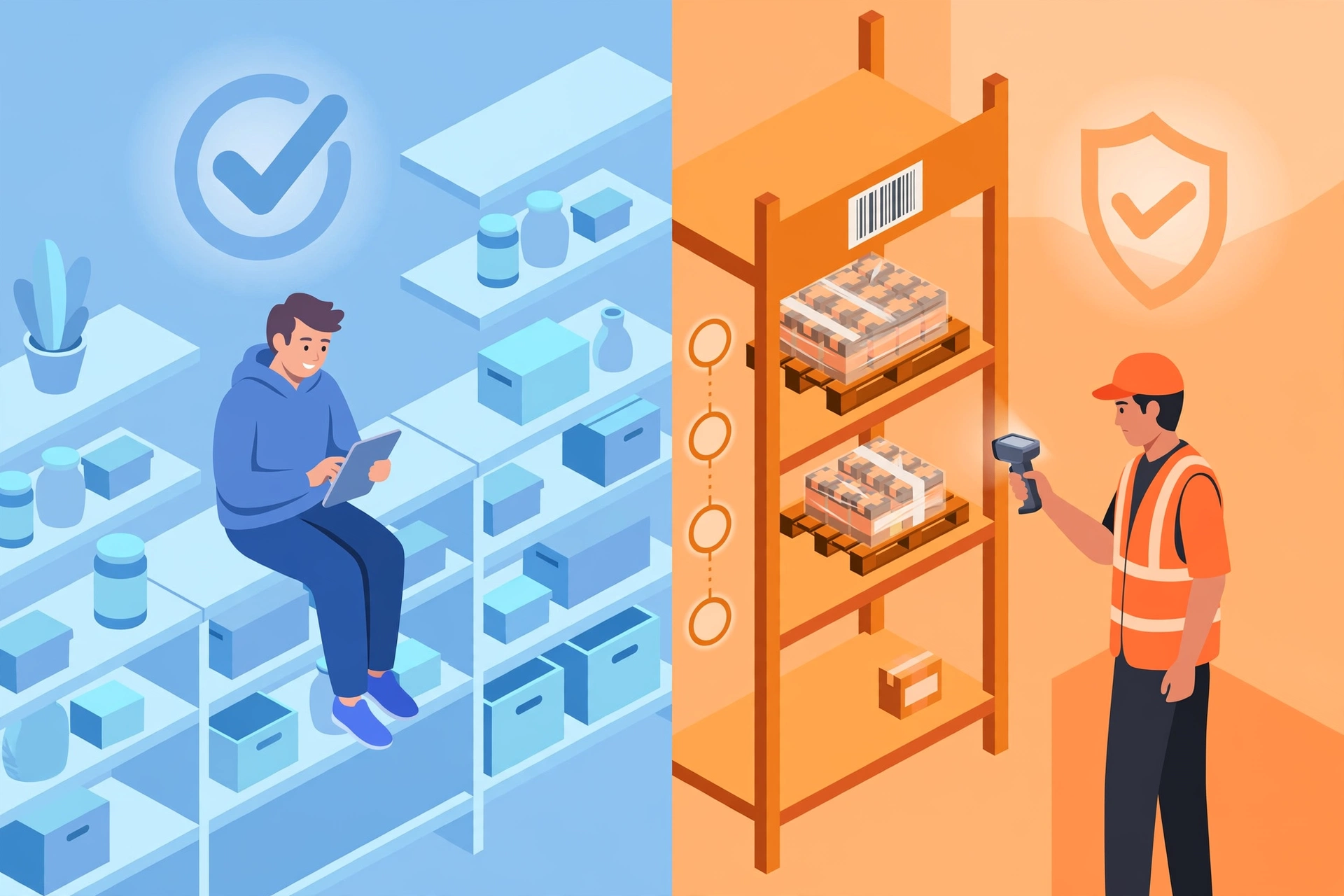
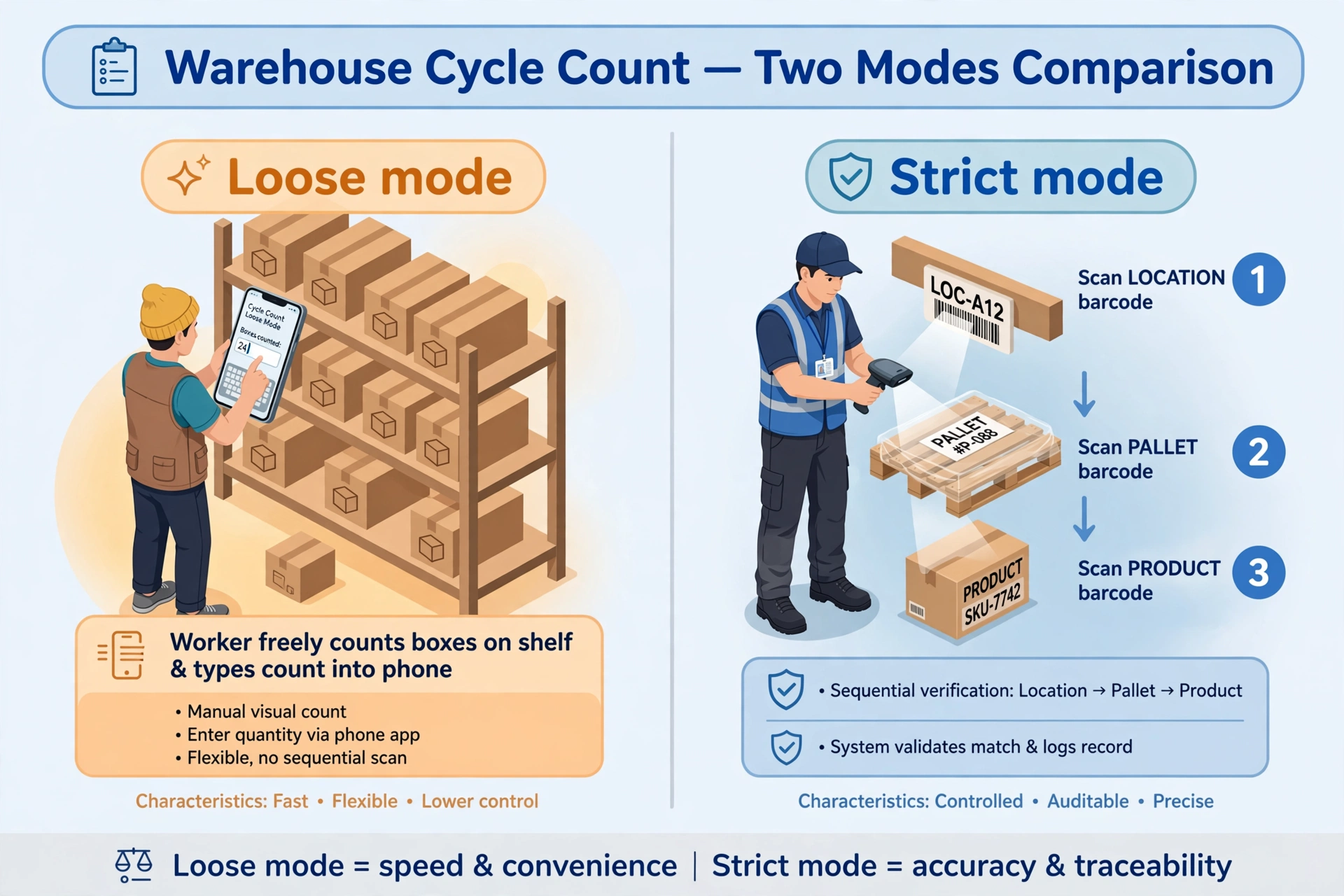
Set the count mode on the warehouse record (count_mode). The default is Loose.
- Loose (relaxed): counters count the goods and type the quantity — that’s it. Good for everyday counting.
- Strict: every line must pass a three-way scan check — the location is within the task scope, the pallet is actually on that location, and the product matches. If any one fails, the line cannot be entered. Good for high-value warehouses and pharma warehouses.
The mode is snapshotted when the task is created: if you change the warehouse setting later, tasks already created keep their original mode.