LastMile sort wall: scan-to-sort at the hub
Scan barcodes at the hub, let the system recommend an open slot by route or zone, flag exceptions, and close the slot after loading.
The sort wall is a row of numbered slots in the hub — each slot belongs to one route or one zone. After parcels arrive, you scan each barcode and the system tells you which slot to drop it in. This scan-to-sort wall is what sets the product apart from the competition.
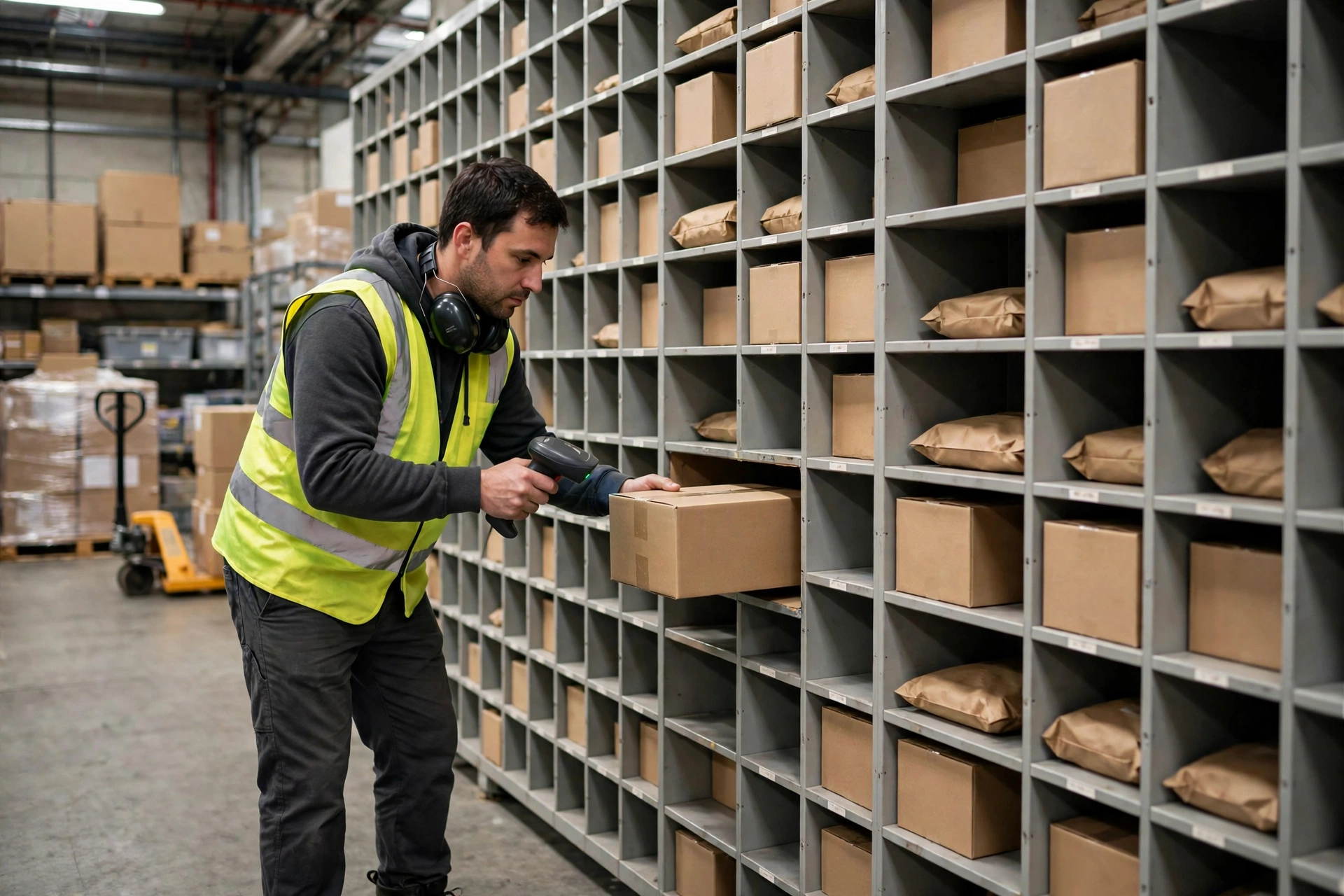
Prepare the slots first#
Slots are created per day: pick the hub, write a slot code (unique per hub per day), and fill in either a route or a zone — at least one of the two is required. A slot goes open → full (when it reaches capacity) → closed (after loading).
Scan-to-sort in 4 steps#
- Open the sort page (desktop or the mobile sort app) and scan the parcel barcode with a scanner or the phone camera. The system matches the barcode to a delivery (by delivery number or POD barcode) or a pickup (by pickup number); an unknown barcode returns "not found".
- The system recommends an open slot for today at this hub — by the parcel’s route first, or by zone (for pickups, the city is used as the zone). The recommended slot is shown in big text.
- No recommendable slot? The system answers with "no slot" — you can then pick a slot manually and scan again with the slot specified.
- Drop the parcel into the slot. Scanning the same barcode twice triggers ALREADY_SORTED — it has already been sorted and not yet loaded, so don’t sort it again.
Exceptions go to the exception area#
Damaged parcel, unreadable label, information mismatch — record it as an exception with a reason. Exception parcels go to the exception area and do not occupy any slot.
Load the truck, close the slot#
When a truckload is ready, run "load" on the slot: every sorted-but-not-loaded record in that slot is stamped with the load time, and the slot status becomes closed. A closed slot is done for the day.