3D auto layout: new bins appear in 3D on their own
Configure the code pattern in warehouse settings to turn on auto layout, and every new standard-coded bin gets its 3D position computed from the code — no manual placement. Non-standard codes get flagged for cleanup instead of blocking.
Bins without 3D coordinates are invisible in the 3D warehouse. Before auto layout, every new bin had to be placed by hand — the same pain the demo warehouse had with its 9,000+ manually placed bins. Auto layout removes that job: the system reads the bin code, decodes the aisle/row/bay/level from it, computes the 3D position, and writes the record. If the code does not follow the warehouse standard, the system says so instead of guessing.
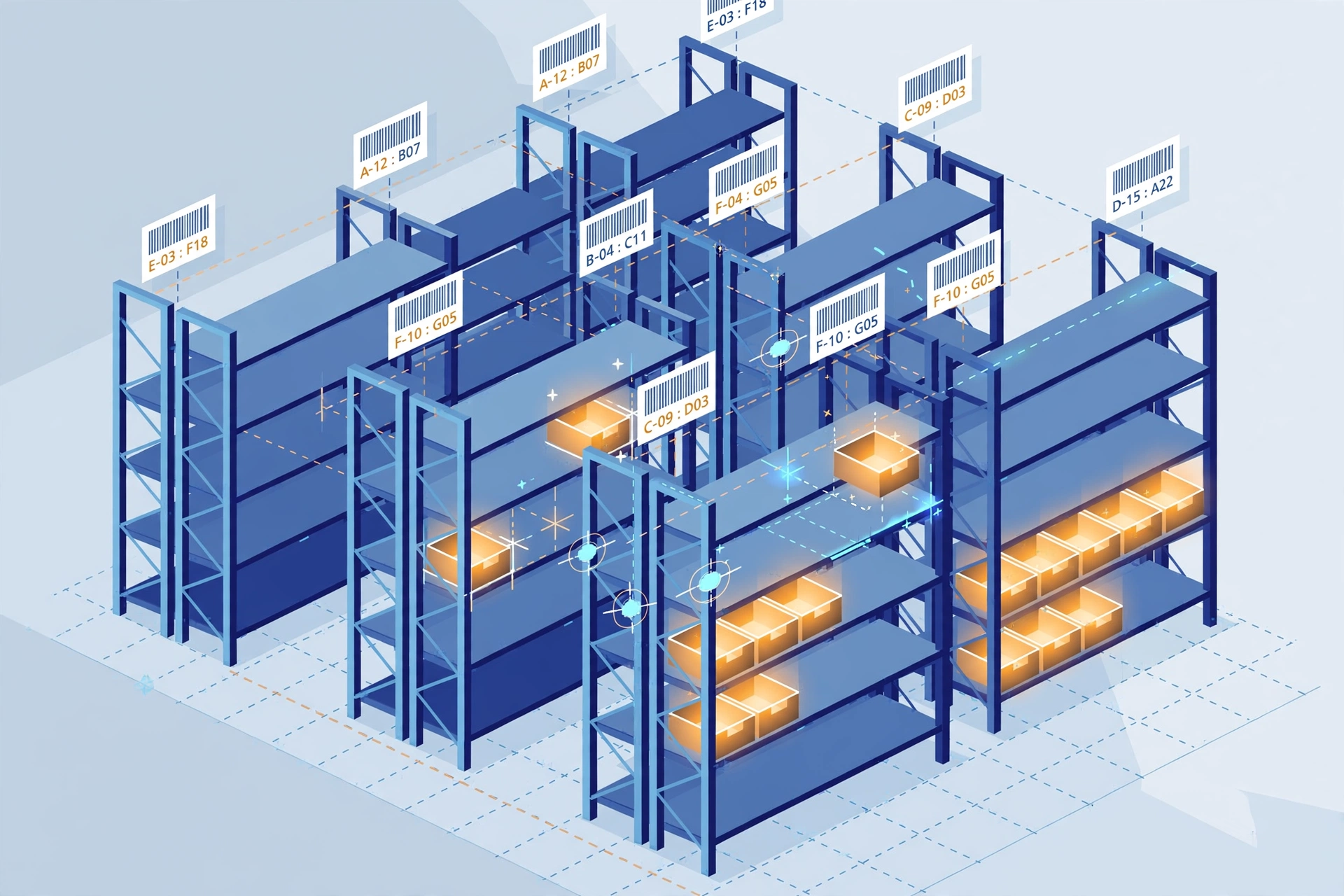
How it works#
Two trigger points#
- Create a bin — right after POST /api/wms/locations succeeds, if the bin has no 3D coordinates and the warehouse has auto layout on, the system generates the position in the background. Fail-open: if anything goes wrong, bin creation is never blocked.
- Bulk layout — POST /api/wms/locations/auto-layout with the warehouse id scans every bin missing coordinates and lays them out at once. The response tells you how many were placed (laid_out) and lists the skipped ones (skipped_non_standard, skipped_virtual).
Configure it in warehouse settings#
Warehouse settings has a "3D Auto Layout" card — no master switch: leaving the code pattern empty means auto layout is off; fill in the pattern and then the fields below. A live preview box shows the parse result of any code you type — whether it is standard, and the aisle/row/bay/level it decoded — so you can verify the pattern before saving.
- Code pattern (regex with named groups aisle / row / bay / level) — the zone comes from the bin's zone column, not the code. The default pattern matches the A(aisle)-R(row)-B(bay)-L(level) shape, e.g. STORAGE-A001-R1-B001-L1.
- Bay width in meters (default 2.7), level height in meters (default 1.8), aisle pitch in meters (default 6.0, including rack depth), and origin offsets X/Y/Z (default 0).
- The position math: x = origin_x + aisle × aisle_pitch + bay × bay_width; y = origin_y + row × 1.2m; z = origin_z + (level − 1) × level_height; size = bay_width × 1.2 × level_height.
Non-standard codes: flagged, never blocked#
Auto layout also does code-standard checks. A bin code that fails the warehouse pattern returns CODE_NOT_STANDARD and gets no coordinates — the 3D status column in the bin list shows it, and you can export the warehouse-wide non-standard list as CSV for the warehouse team to clean up. Creating a bin is never blocked by a non-standard code.
What auto layout never touches#
- Manually placed coordinates always win — auto layout only fills in bins that are missing coordinates, never overwrites.
- The layout editor and building-shell import are untouched; auto layout only writes the same coordinate records they write.
- Layout health: GET /api/wms/locations/layout-status?warehouse_id=… returns the counts (with coordinates / pending / non-standard / virtual) so you can watch coverage improve.