Designing the pick path: routes, the golden zone and ABC placement
Picking is half walking. This article compares S-shaped, traverse and return routes, puts best sellers in the waist-to-shoulder golden zone, lands ABC classes on real locations, and explains one-way aisles — with the system settings that hold the design in place.
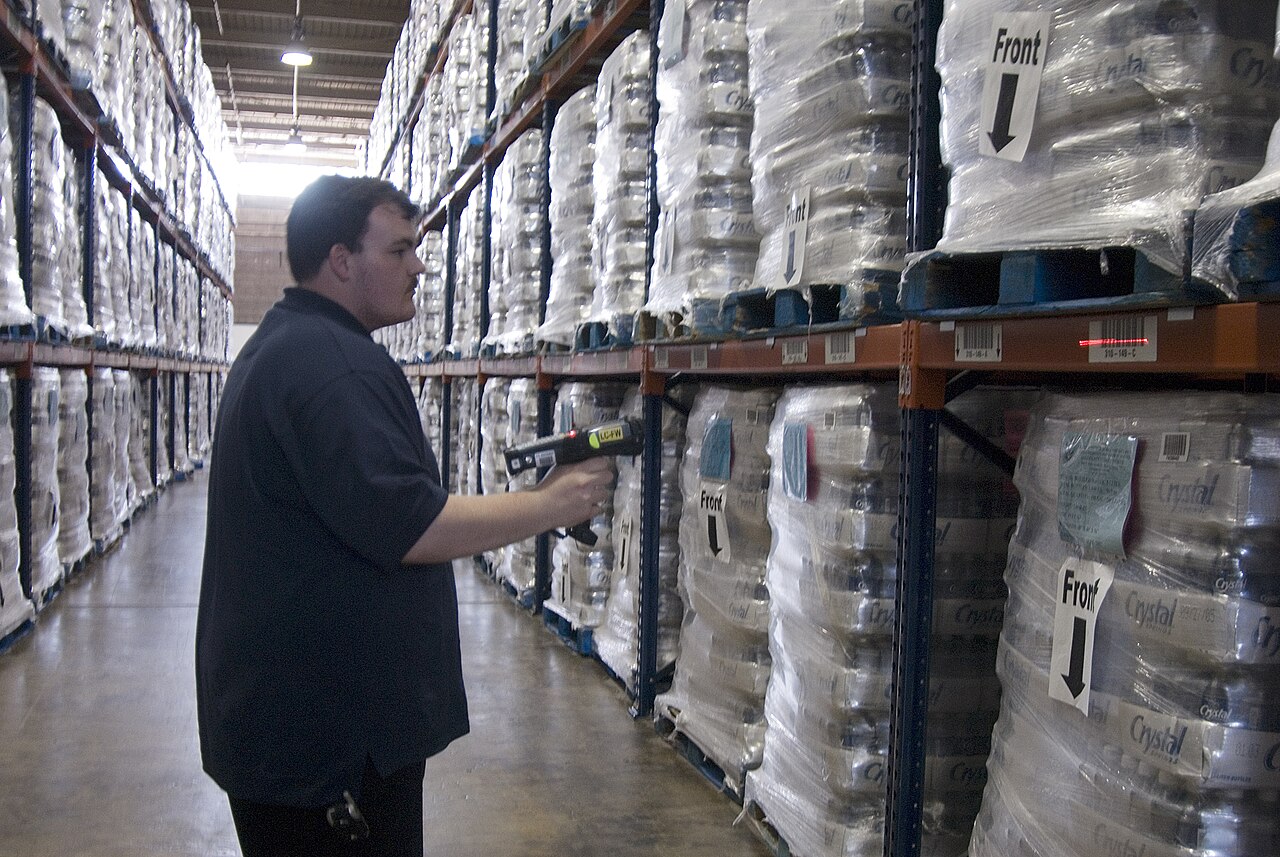
Time a picker for one trip and split the minutes honestly: walking to the location, finding and taking the item, confirming, walking on. In most warehouses the walking parts add up to more than half the trip. That is why pick path design matters more than picker speed — a fast walker on a bad route loses to an average walker on a good route, every single day, by hours. The route has two halves: the shape of the walk (which aisles, in which order, in which direction) and the placement of the goods (which SKU sits where along that walk). Design both, not just one.
Three ways to walk an aisle#
The S-shaped (serpentine) route walks every aisle it enters from end to end, snaking through the block: down aisle 1, up aisle 2, down aisle 3. The picker never backtracks and never skips, and the walk always ends at the far side near a cross-aisle. It fits dense picking — carts and batch picks where almost every aisle holds something for the batch — because the metres “wasted” walking past full shelves are small next to the stops made. Its weakness is exactly that: with only one pick in an aisle, you still walk its full length.
The traverse route also enters at one end and leaves at the other, but it does not promise to cover the whole aisle: the picker works the aisle as a sequence of segments, taking picks on both sides while moving forward, and aisles with no picks are skipped entirely via the cross-aisles. In practice the difference from S shows up in sparse picking — one or two picks per aisle — where discipline about which aisles to enter at all saves more than the shape inside the aisle. Think of S as “how to walk an aisle you enter” and traverse as “which aisles to enter, and pass through once”.
The return route enters an aisle, picks what is needed, and walks back out the same end. It looks wasteful — every metre is walked twice — but it wins when picks are few and shallow: if the only pick is three bays in, walking in and back costs six bays, while an S through the whole aisle costs the full aisle plus the return cross-aisle. Return routing is also the natural fit for single-order picking from a base at one end of the block, and for aisles too narrow to pass a cart both ways.
| Route | How it walks | Best for |
|---|---|---|
| S-shaped | Every entered aisle end to end, snaking; never backtracks. | Dense batch and cart picking with stops in most aisles. |
| Traverse | Forward through aisles in segments; aisles with no picks are skipped entirely. | Sparse picking spread over a large block. |
| Return | Enter, pick, walk back out the same end. | Few, shallow picks; single-order work from one end; narrow aisles. |
Whichever shape you choose, it only works if the pick list follows it. In Docklify, location master data carries a sequence value — the travel order for pick paths — maintained in Master Data → Locations, alongside pick strategy and putaway suggestion weights. Keep the sequence honest after every re-layout: a pick task that lists locations in a scrambled order quietly re-imposes the bad route you just redesigned away.
The golden zone: waist to shoulder, near packing#
Every pick has a physical price. An item at waist-to-shoulder height, on a shelf the picker passes anyway, costs a reach and a grab. The same item on the floor costs a bend or a kneel; above the head it costs a step stool, two hands and a slow, careful lift. Multiply by hundreds of picks a day and shelf height becomes a labor budget. The golden zone is that waist-to-shoulder band — roughly 0.7 to 1.6 metres — in the locations closest to packing. Put what is picked most often there, and let everything else fight over the high and low shelves.
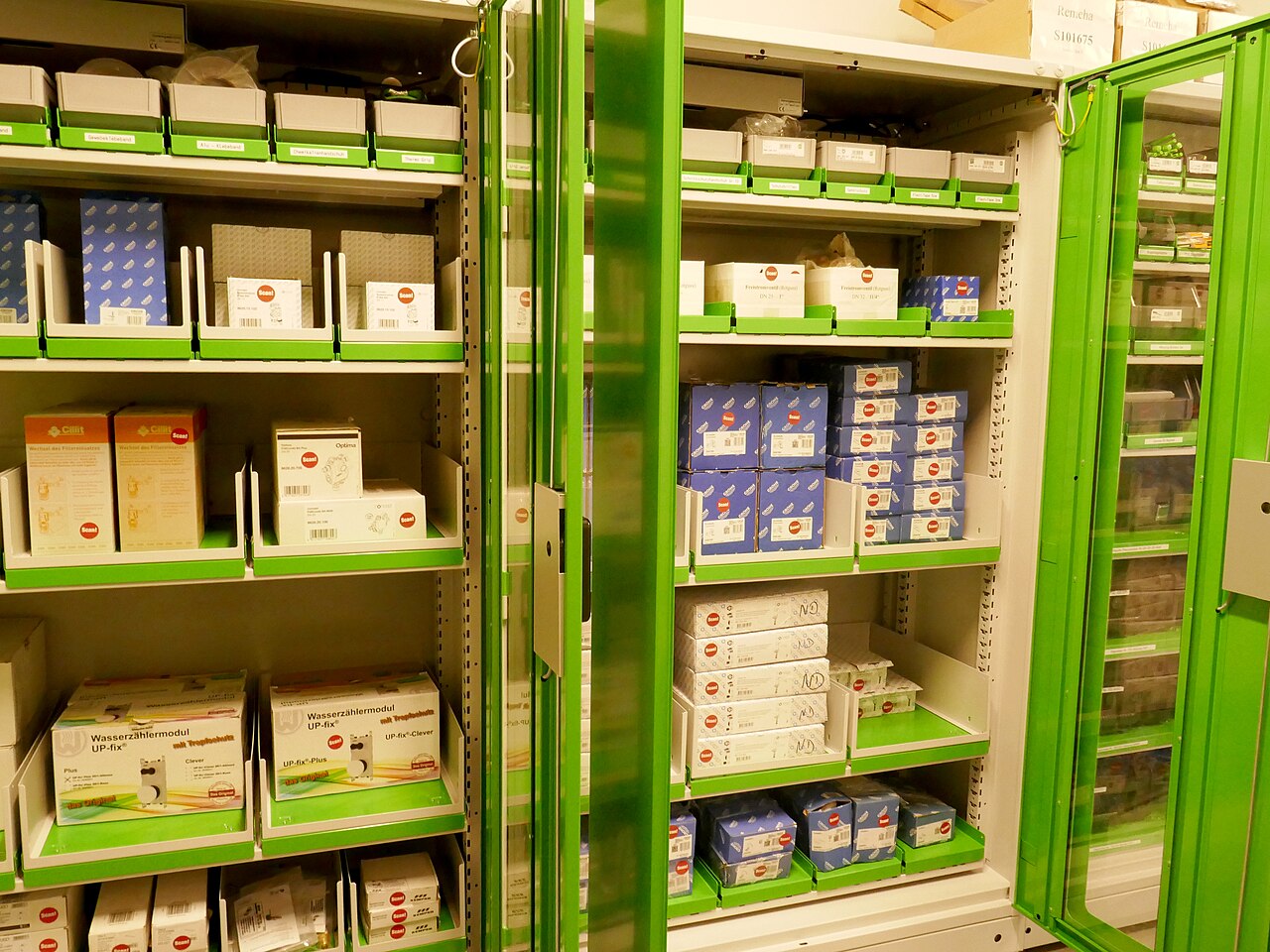
- Heavy best sellers go low in the golden zone, not at shoulder height: frequent and heavy is a shoulder injury waiting for a date. Waist height, close to the cart, short lift.
- Reserve floor level and above-head levels for slow movers and reserve stock. A SKU picked twice a month can cost a bend twice a month; a SKU picked 200 times a day cannot.
- Distance counts as height: a golden shelf twenty aisles from packing is not golden. Judge a location by the whole price of a pick there — walk plus reach.
The golden zone works as a pair of shelves: a forward pick face in front, reserve stock behind or above it. The picker only ever touches the face; reserve exists to refill the face, never to be picked from directly during a busy wave — picking from reserve means climbing, reaching deep and breaking the route’s rhythm. Size the face to roughly a day or two of that SKU’s picks: smaller, and replenishment becomes the bottleneck; bigger, and the face eats golden space that three other A SKUs needed.
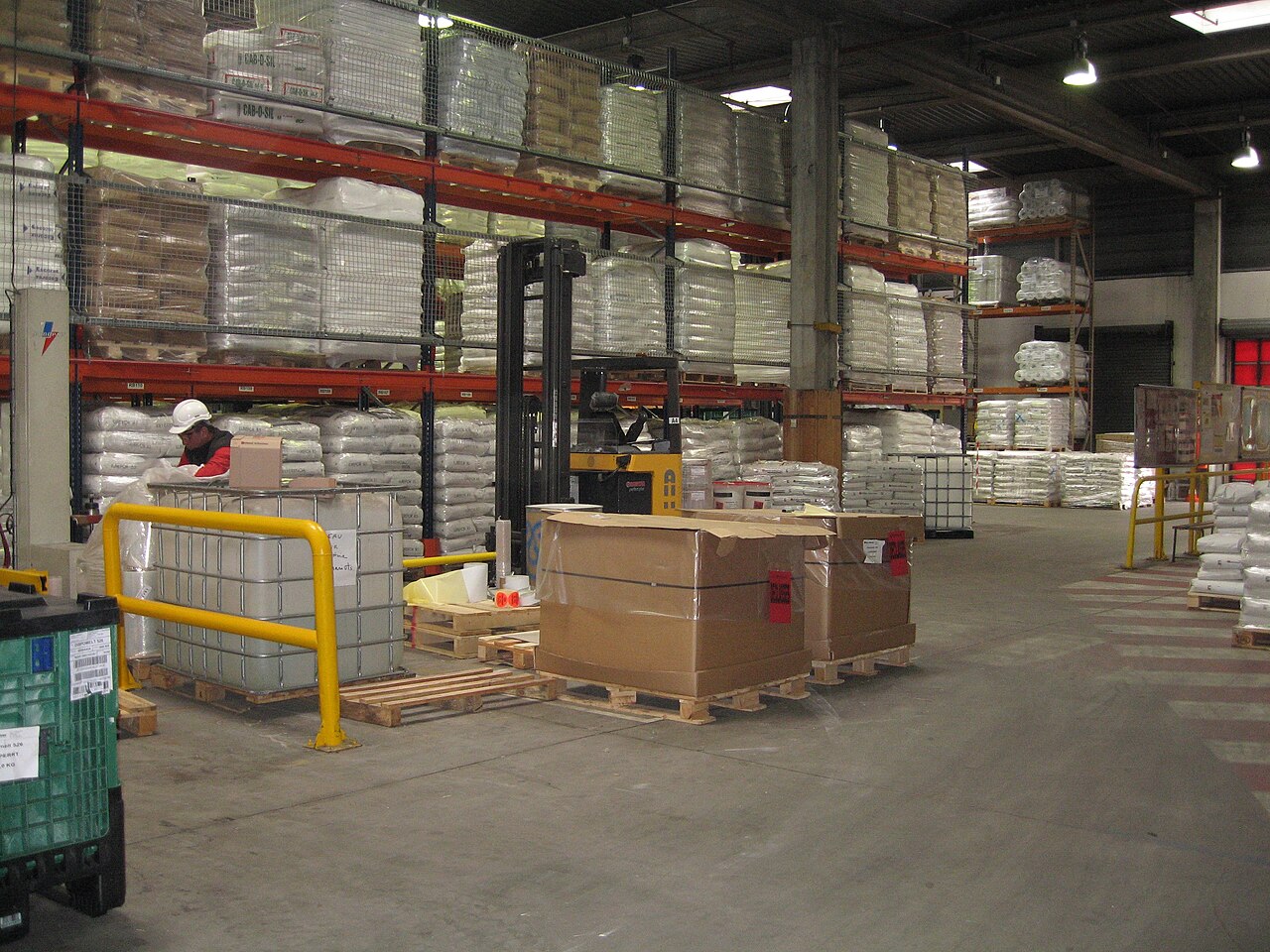
Placement drifts: a best seller cools off, a promotion ends, a new SKU lands in the golden zone by accident. In Docklify, slotting analysis works from your own pick history, ABC classes and outbound order lines to find SKUs sitting in the wrong place, and suggests better locations with the move tasks to fix them. It only ever suggests — nothing moves until you confirm — so re-running it a few times a year is a safe habit, not a risk.
ABC classes, landed on real locations#
ABC is a ranking by pick frequency, not by value or by sales pride. Count picks per SKU over the last 60–90 days: the A group — typically the top 10–20% of SKUs — produces roughly 70–80% of all picks; B is the middle band; C is the long tail that fills most of the catalogue and barely moves. The classification is only useful when it changes where things sit: A in the golden zone near packing, B one step further out or one shelf up or down, C deep, high and low. Re-rank a few times a year, because last season’s A is this season’s C more often than anyone admits.
| Class | Share of picks | Where it lives |
|---|---|---|
| A | About 70–80% of picks from 10–20% of SKUs. | Golden zone, shortest walk from packing, dedicated pick faces with replenishment behind them. |
| B | The middle band: steady, unspectacular picks. | Just outside the golden zone — a shelf up, a shelf down, or the next aisle along. |
| C | The long tail: most SKUs, very few picks each. | Deep in the racks, top and floor levels, compact storage. Walking far twice a month is cheap. |
Placement starts at the dock, not at re-slotting time. In Docklify, putaway suggests 2–3 locations for each pallet based on your putaway rules, the operator picks one, and whichever location is actually used is recorded — even when it differs from the suggestion. That suggested-versus-actual record is the raw material of slotting: if operators keep overruling the system for the same SKU, the rule — or the golden zone — is in the wrong place, and now you can see it.
One-way aisles: boring, and worth it#
In a two-way aisle, two pickers with carts meet head-on, one backs up, both lose time, and a forklift rounding the rack end meets them both. Making rack aisles one-way — enter at the packing end, exit at the far end, or the reverse, consistently — removes the dance: nobody reverses a loaded cart, nobody squeezes past a shelf with a carton in both arms, and the route shape (S, traverse) becomes enforceable because everyone flows the same direction. The cost is real: sometimes you walk an empty stretch to enter an aisle from its legal end. On balance, in aisles under about 2.4 metres of clear width, one-way wins.
- Paint the direction on the floor at every aisle entry — an arrow a tired picker can follow without thinking — and put the “no entry” face at the exit end.
- Keep forklifts out of the one-way picking aisles during picking hours: bulk moves run on the wide main aisles, and replenishment crosses into picking aisles on a schedule, not at random moments.
- Match the direction to the route: if pickers finish at packing, one-way flow should deliver them there, not strand them at the far end with a full cart.
An empty pick face breaks the route: replenishment#
All route design assumes the pick face has stock. The moment a picker arrives at an empty golden-zone location, the route’s savings burn up in exception handling: flag a supervisor, wait, or skip the line and short the order. Pick faces stay full through replenishment — moving reserve stock forward from storage locations before the face runs dry, on a minimum-and-target rule rather than on somebody noticing an empty shelf.
In Docklify, each pick location carries a minimum and a target quantity per product, set under WMS → Settings → Pick location minimums. When stock drops below the minimum — checked right after picks and deductions, in a daily sweep, or from the Manual Replenishment page — the system creates a replenishment task from the storage location holding the reserve, for target minus on-hand; a face that hits zero with orders waiting is marked URGENT and pinned to the top of the mobile task list.
On the floor, the design becomes a guided walk: in Docklify, outbound orders generate pick tasks from WMS → Outbound Orders → Create pick task — Order Pick for one order, Batch Order Pick for several orders in one trip, Wave Pick for a planned wave — and the picker executes the task step by step on mobile: scan the location, scan the pallet where the task asks for it, confirm the quantity. The task hands the picker the next stop in route order; the picker’s job shrinks to walking it well.
Measure the route before you redraw it#
- Walk one full pick with a stopwatch and split walking from picking. If walking is under a third, your problem is not the route — it is search time, labelling or empty faces.
- Count picks per location per week from the system, not from memory. The golden zone should hold the locations at the top of that list; every mismatch is a move task waiting to be written.
- Redraw in small steps: move the top twenty misplaced SKUs, re-measure for two weeks, then decide the next twenty. A whole-warehouse re-slot in one weekend cannot be measured, and unmeasured changes cannot be defended.
A pick path is not drawn once and finished. Aisles get re-racked, product mixes turn over with the seasons, and a new client’s freight can quietly rewrite your ABC list in a quarter. Treat the route the way you treat the slotting: a living setting with a review rhythm — re-measure travel share twice a year, re-rank ABC when the catalogue changes, and re-walk one full pick after every layout change before the next shift depends on it.
Docklify features used in this article#
- Location sequence and weights — Master Data → Locations: each location carries a sequence (travel order for pick paths), a pick strategy weight and a putaway suggestion weight.
- Slotting analysis — finds misplaced SKUs from pick history, ABC classes and outbound lines, suggests better locations and creates the move tasks; it only suggests, nothing moves without confirmation.
- Putaway suggestions — the system suggests 2–3 locations per pallet from putaway rules, and the location actually used is recorded even when it differs from the suggestion.
- Replenishment tasks — WMS → Settings → Pick location minimums sets min/target per product and location; below-minimum faces generate replenishment tasks, and zero-stock faces with waiting orders are marked URGENT on mobile.
- Mobile pick tasks — WMS → Outbound Orders → Create pick task (Order Pick / Batch Order Pick / Wave Pick); on mobile the picker follows steps: scan location, scan pallet where required, confirm quantity.