Catch weight products: setup, receiving & shipping
For products sold by unit but weighed in kg/lb (e.g. a case of chicken): turn on catch weight, enter the actual weight at receiving/shipping, and let the system flag over-tolerance lines.
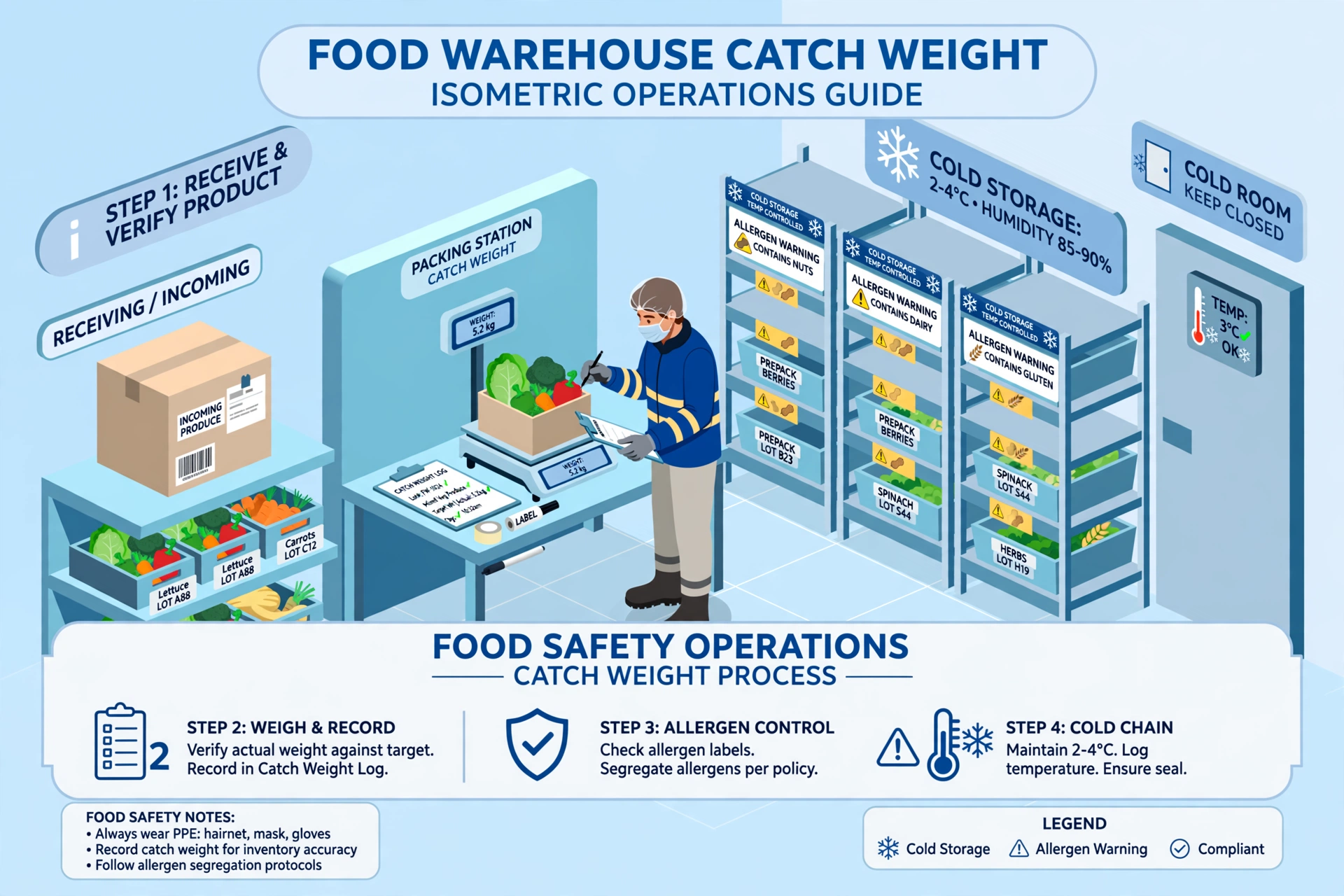
What is a catch weight product?#
Some products are counted by unit but settled by weight: a case of chicken is sold as 10 units, but every case weighs slightly differently. Catch weight means the system tracks both — quantity in units (cases, bags) and weight in kg/lb. At receiving and shipping you enter the actual weighed weight; the system compares it with the nominal (expected) weight and flags lines that deviate too much.
Step 1: Choose the industry profile#
- Go to Admin → Organization → Regional settings. Find "Industry profile".
- Pick one of three: General 3PL (default), Food & beverage, or Cold chain. Save.
Cold chain includes everything Food & beverage has, plus temperature-zone control — temperature zones and allergen segregation are already live (see the article "Temperature zones & allergen control: setup and putaway rules"). Switching the profile only adds field groups such as catch weight — it never hides fields you already use.
Step 2: Turn on catch weight for a product#
- Go to Master Data → Products. Create a product or open an existing one for editing.
- Find the "Catch Weight Settings" section (collapsed by default — click to expand). It appears when the product is a catch weight product, or when your industry profile is Food / Cold chain.
- Turn on "Catch weight product". Fill in: Nominal weight (expected weight per unit, e.g. 2.5), Catch weight UOM (kg or lb — independent of the product’s main unit), Tolerance % (default 5). Save.
Nominal weight is the expected weight of one unit. The system uses it to compute the expected total (nominal × quantity) and compares it with the weighed actual weight. A general 3PL tenant can also turn this on for a single product without changing the industry profile.
Step 3: Enter the actual weight at receiving#
- Go to WMS → Inbound Receipts, open the receipt, and start receiving (desktop Receive or mobile task — both work the same).
- On catch weight product lines you will see an "Actual weight" input next to the quantity. Weigh the goods and type the scale reading (in the catch weight UOM).
- Confirm receiving as usual. On the receipt detail, any line whose weight deviates beyond tolerance is highlighted yellow with a note like "Variance 8%, over tolerance ±5%" — a reminder only; receiving is not blocked.
Step 4: Enter the actual weight at shipping#
- Go to WMS → Orders, open the outbound order, and start shipping.
- On catch weight product lines you will see an "Actual weight" input showing the catch weight UOM. Weigh and enter the actual weight, then confirm shipping as usual.
Weight on hand in inventory#
For catch weight products the system keeps a weight balance alongside the unit quantity: receiving adds the entered actual weight, shipping subtracts it. Inventory inquiries show the weight on hand so billing and customer reports can use real weighed numbers instead of nominal estimates.
FAQ#
- I am a general 3PL. Can I use catch weight without changing the industry profile? Yes — open the product and turn on "Catch weight product". The industry profile only controls whether the section is expanded by default.
- Will an over-tolerance line block receiving? No — it is only flagged yellow as a reminder. Receiving completes normally.
- What if nominal weight is left empty? Then the system skips the variance check for that product (no expected weight to compare against).
- Can the catch weight UOM differ from the product’s main UOM? Yes — e.g. the product is counted in cases (CS) while weight is captured in kg or lb.