Packing consumables: do not buy the wrong labels, ribbon, film and cartons
Packing stops more often for a wrong roll of labels than for a broken machine. This guide explains label paper sizes and materials, how to match ribbon (wax, wax-resin, resin) to the label, stretch-film thickness, carton specs and fillers — and the classic ways each purchase goes wrong.
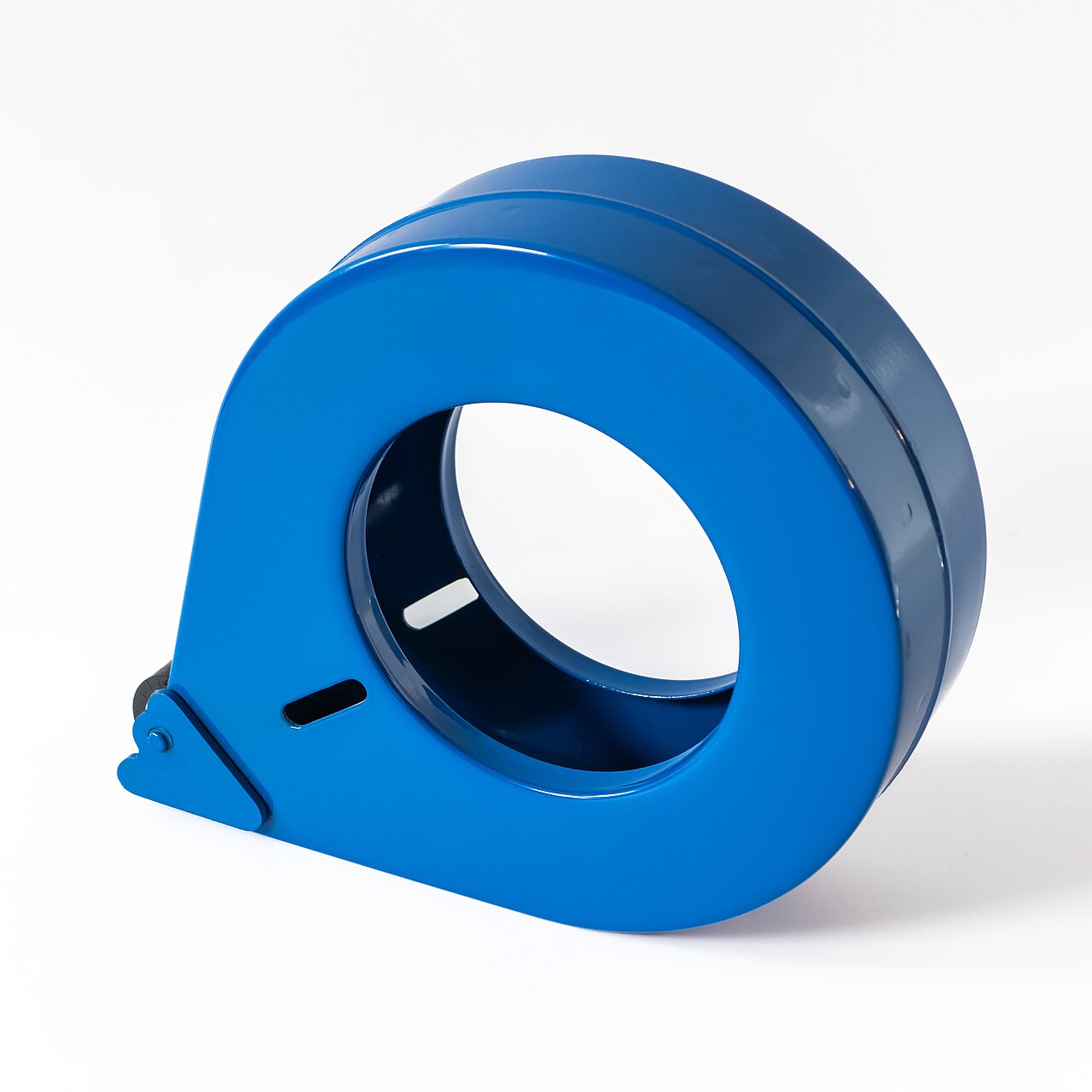
Consumables look like the simplest purchase in the warehouse: paper is paper, film is film, a box is a box. Then the new labels arrive half an inch too small for the template, the ribbon prints nothing at all on the new label stock, or the film snaps every time a packer pulls it — and the packing bench stops in the middle of the busiest hour. Almost every consumable problem is a matching problem: the label must match the template and the printer, the ribbon must match the label, the film must match the load, and the carton must match the goods. This guide goes through the four families in the order you meet them at the bench.
Label paper: size first, then material#
| Label | Common size | Material notes |
|---|---|---|
| Shipping label (waybill) | 4×6 in (100×150 mm) | Direct-thermal paper is standard; it only needs to survive the trip |
| Location label | Often 4×2 or 4×3 in, sometimes long strips | Synthetic (PP/PET) or thermal-transfer paper: must last years on a rack, resist dust and wiping |
| Product barcode label | 2×1 or 3×2 in are common | Paper for indoor retail goods; synthetic for cold, wet or outdoor goods |
| Pallet LPN label | 4×6 in is common | Strong adhesive or a tag; it must stay on stretch film or wood through handling |
Size comes before everything. A label that is smaller than the design will cut off barcodes or shrink them until scanners refuse them; a label that is bigger wastes paper and can fold over the edge of a carton. When you reorder, copy the size from the last roll that worked — width × height, in the order your printer feeds — and do not accept a “similar” size from a salesperson without a test roll. Also check the roll itself: core diameter (1 inch vs 3 inch), outer diameter your printer bay can take, and whether the roll is wound labels-out or labels-in. All three have stopped a bench at least once in every warehouse’s history.
In Docklify, the label size is not a guess: it comes from the template. Label templates are maintained in WMS → UCC Templates, where you manage label and Packing List templates and assign a dedicated template to a specific retailer. The template carries the size and layout that retailer expects, so the paper you buy has to match the template that will print on it — check the template’s size first, then order paper to that size, not the other way round.
Ribbon: wax, wax-resin and resin are not interchangeable#
Thermal-transfer printing melts ink from a ribbon onto the label. The ribbon family decides how tough that ink layer is. Wax ribbon is the cheapest and prints easily on plain paper labels, but the image scratches and smears — fine for a carton label that lives for a week indoors. Wax-resin (mixed) ribbon costs more, prints on paper and many synthetics, and survives handling, moisture and some chemicals — the everyday choice for product and location labels. Resin ribbon is the toughest and the only one that works properly on full synthetic labels (PP, PET); it resists heat, solvents and heavy abrasion, and it is what cold-storage, chemical and outdoor labels need. Resin also needs more print-head heat and prints slower, so it is not a free upgrade for every job.
| Ribbon | Prints well on | Typical use | If you pair it wrong |
|---|---|---|---|
| Wax | Plain paper labels | Carton marks, short-life indoor labels | On synthetic labels: faint print, ink rubs off with a thumb |
| Wax-resin | Paper and coated / light synthetic labels | Product labels, location labels, most warehouse labels | On plain paper it works, but you paid extra for durability you did not need |
| Resin | Full synthetic labels (PP, PET) | Cold storage, chemicals, outdoor, long-life asset labels | On plain paper with low heat: patchy print; it also wears the print head faster if settings are wrong |
- Faint or no print after a ribbon change usually means the ribbon family does not match the new label stock — not a broken printer. Put the old ribbon back and test before calling for repair.
- Check the ink side: ribbons are wound ink-in or ink-out depending on the printer brand. The wrong winding prints a blank label no matter what family you bought.
- Ribbon width should cover the label width, and not be much wider: an over-wide ribbon wrinkles and leaves ink marks on the rollers.
- Direct-thermal labels need no ribbon at all. If a bench prints waybills on a thermal-transfer setup with ribbon loaded, it is paying for ribbon it does not use — and the reverse, a ribbon printer with no ribbon, prints nothing.
Location and product labels: buy for the place they will live#
A location label lives on a rack beam for years: dust, forklift brushes, sunlight through a skylight and the occasional wipe-down. Paper with wax ribbon will not survive that — this is where synthetic labels with wax-resin or resin ribbon earn their price. A product label lives on the goods: in a freezer it needs freezer-grade adhesive that still sticks at minus temperatures; on a curved bottle it needs a flexible face; on a carton it needs nothing special. The mistake pattern is buying one “warehouse label” for all three jobs because the per-roll price looked good.
In Docklify, those labels come from records you already keep, which is why the paper choice matters: a location or pallet (LPN) created in WMS can have its barcode label printed from SaaS → WMS → Locations / Pallets and stuck on the rack or the pallet. If that printed label fades or peels in a year, every scan at that location becomes a manual typing job — the consumable you saved a few cents on turns into minutes lost on every pick, every day.
Stretch film: thickness is a number, not a feeling#
Stretch film is sold by thickness, quoted in microns or in gauge (80 gauge is about 20 microns). Thin hand film around 15–17 microns suits light, even loads and inner wrapping; the common 20–23 micron range is the general warehouse workhorse for pallet loads; heavier or sharp-edged loads, and machine wrapping with pre-stretch, call for film specified for that job — machine film and hand film are not the same product, because a machine stretches the film far more before it touches the load. Buying by price per roll without the thickness is how a warehouse ends up with film that either snaps at every corner or needs twice as many wraps to hold the same pallet — both waste more than the saving.
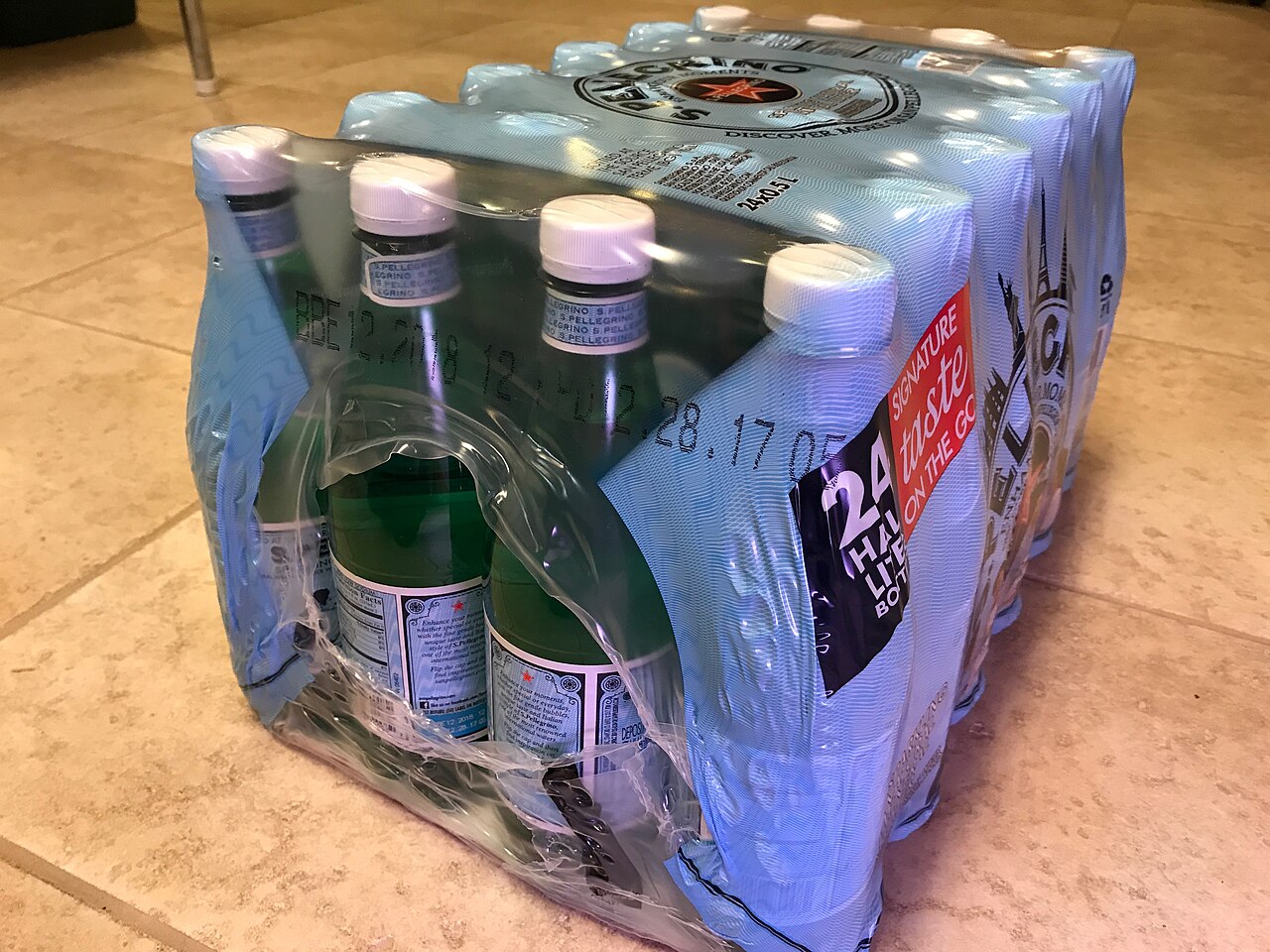
- Quote thickness on every order: microns or gauge, hand or machine, clear or opaque. “One pallet of film” is not a specification.
- Match film to the load: sharp carton corners and heavy, shifting loads need the thicker end of the range and more wraps at the base.
- Count cost per wrapped pallet, not per roll: roll length and thickness differ, so a cheap short roll can cost more per pallet.
- Store rolls standing upright, away from sun and forklift routes: a nicked roll edge tears at the same spot on every wrap.
Cartons and fillers: the box is part of the product#
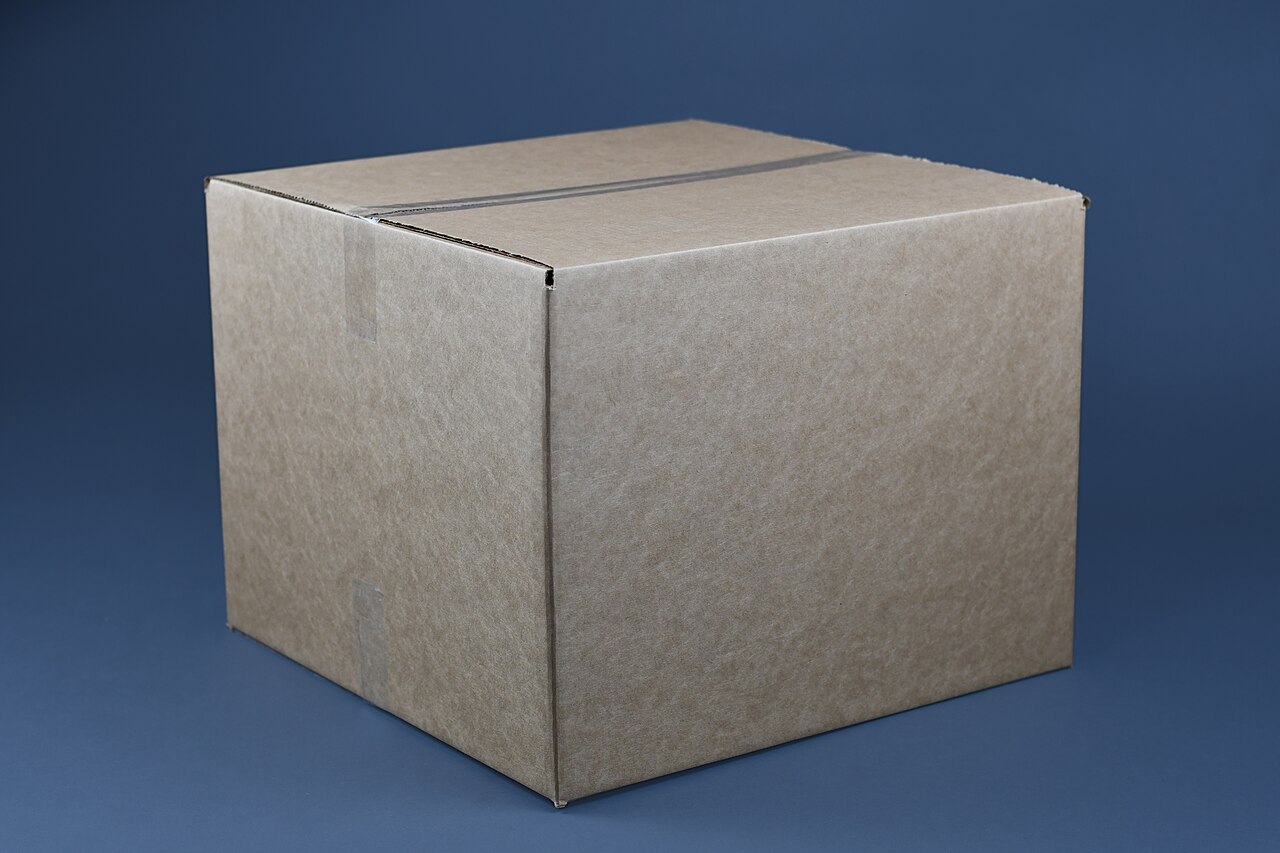
Carton buying goes wrong in two directions. Too weak: a single-wall box under a heavy or stacked load bulges, then the corners give way and the damage claim follows. Too strong or too big: you pay for board and for air — carriers bill by dimensional weight, so an oversized box costs freight on every single parcel, and extra filler to fill the void. Keep a small set of standard sizes that fit your real product mix, check the board grade (single wall for light goods, double wall for heavy or fragile), and treat a box that arrives crushed in your own inbound area as a free warning about what your customers will see.
The carton choice also shows up in the system at the bench. In Docklify’s Packing Station (SaaS → WMS → Packing Station), each package picks a carton — client-supplied free cartons or tenant cartons that are charged — and choosing the carton fills in its volume and weight automatically, which feeds the parcel’s declared weight and billing. So the carton list you maintain in the system and the physical cartons on the shelf have to be the same list: a size that exists on the shelf but not in the system, or the other way round, is a small mismatch that produces wrong weights every day.
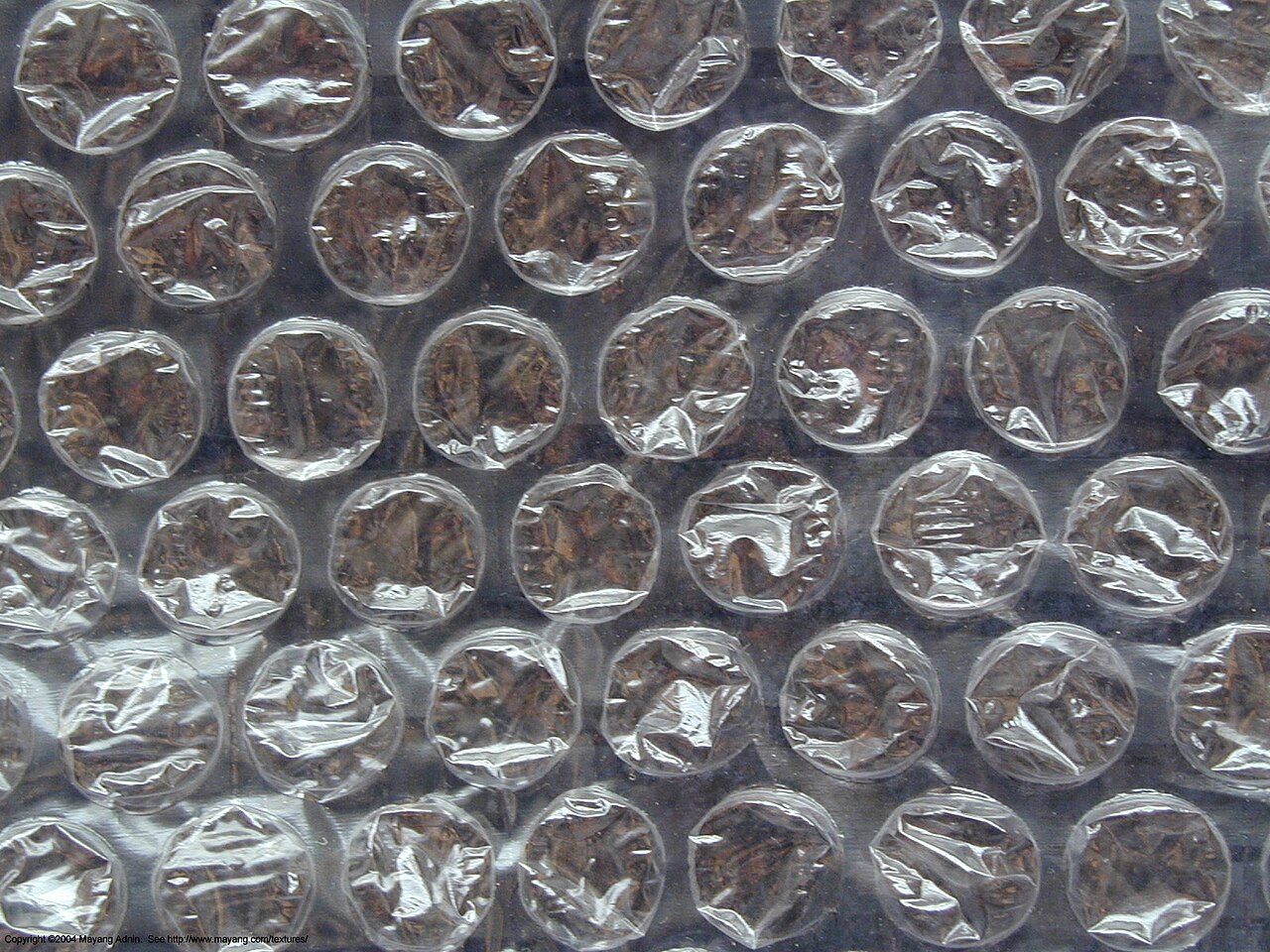
- Bubble wrap: good all-round cushioning for electronics and fragile goods; buy the bubble size for the job — small bubbles for surface protection, large for void fill.
- Kraft paper: cheap, recyclable, crumples into good void fill, and doubles as wrapping. The default choice when goods are not fragile.
- Air pillows: light and clean, good for topping off a box, but they add nothing against a heavy item sliding inside — use them with, not instead of, real cushioning on heavy goods.
- Foam and inserts: for high-value or oddly shaped goods, a fitted insert beats any amount of loose fill — and it makes packing faster and repeatable.
The classic buying mistakes, in one list#
- Label size does not match the template: the design was built for 4×6 and the new roll is 4×5.5 — barcodes clip, text shrinks, scanners struggle. Check the template size before ordering.
- Ribbon family does not match the label stock: wax ribbon on synthetic labels prints grey ghosts that rub off. Match ribbon to stock using the table above, and test one roll.
- One label bought for every job: the same cheap paper label on the shipping carton, the rack and the freezer shelf — it survives only the first of the three.
- Film bought by roll price: the thickness quietly dropped, and now every pallet takes twice the wraps. The saving was spent on labour and extra film within a week.
- No test roll on a new supplier: specs on a quote are promises. One test roll at the real bench, on the real printer, with the real template, is the only verification that counts.
- No spare roll at the bench: the last roll always ends mid-peak. Keep one sealed spare of every live label size and ribbon type within reach of the bench.
One last link between the shelf and the screen: local printing runs through Device Hub, the app on the bench computer that connects the web system to the printer on the desk. When a label prints the wrong size at that bench, the cause is almost always physical — the template is one size and the loaded roll is another. Keeping the template size, the printer’s loaded paper and the purchase order for the next roll all showing the same number is the whole trick; it takes one check when the roll is loaded, and it prevents the half-day of clipped labels that follows when nobody checks.
Docklify features used in this article#
- Label and Packing List templates per retailer, with the template size setting the label paper spec — SaaS → WMS → UCC Templates
- Location and pallet (LPN) barcode labels printed from WMS records — SaaS → WMS → Locations / Pallets
- Carton selection per package in packing, with volume and weight filled in automatically — SaaS → WMS → Packing Station
- Local label printing through Device Hub on the bench computer — install from docklify.com/download