Warehouse terms in plain words: 20 words you will hear every day
Pallet, LPN, tote, wave, cross-dock, SKU, ASN, location, zone, pick, replenishment, put-away, dock, 3PL, client, FEFO/FIFO, slow-moving, cycle count, inbound and outbound orders — each explained in plain words, with what it physically looks like on the floor.
Warehouse people speak in shorthand, and on your first week it can sound like another language. It is not: almost every term names something you can point at — a thing you can touch, a move goods make, or a piece of paper that travels with the goods. This glossary takes the twenty words you will hear most, explains each in plain words, and tells you what it looks like on the floor, so you can walk up to it and point.
How the terms are grouped below: first the things (hardware you can touch), then the moves (what people do to goods), then the paper and the people (documents, roles and rules). If a word confuses you in a meeting, ask yourself which of the three it is — that one question resolves most of the confusion on the spot.
The things: hardware you can touch#
Six words cover most of the physical warehouse: the pallet everything rides on, the number plate it wears, the box small picks travel in, the product code, and the two words for “where” — location and zone.
| Term | In plain words |
|---|---|
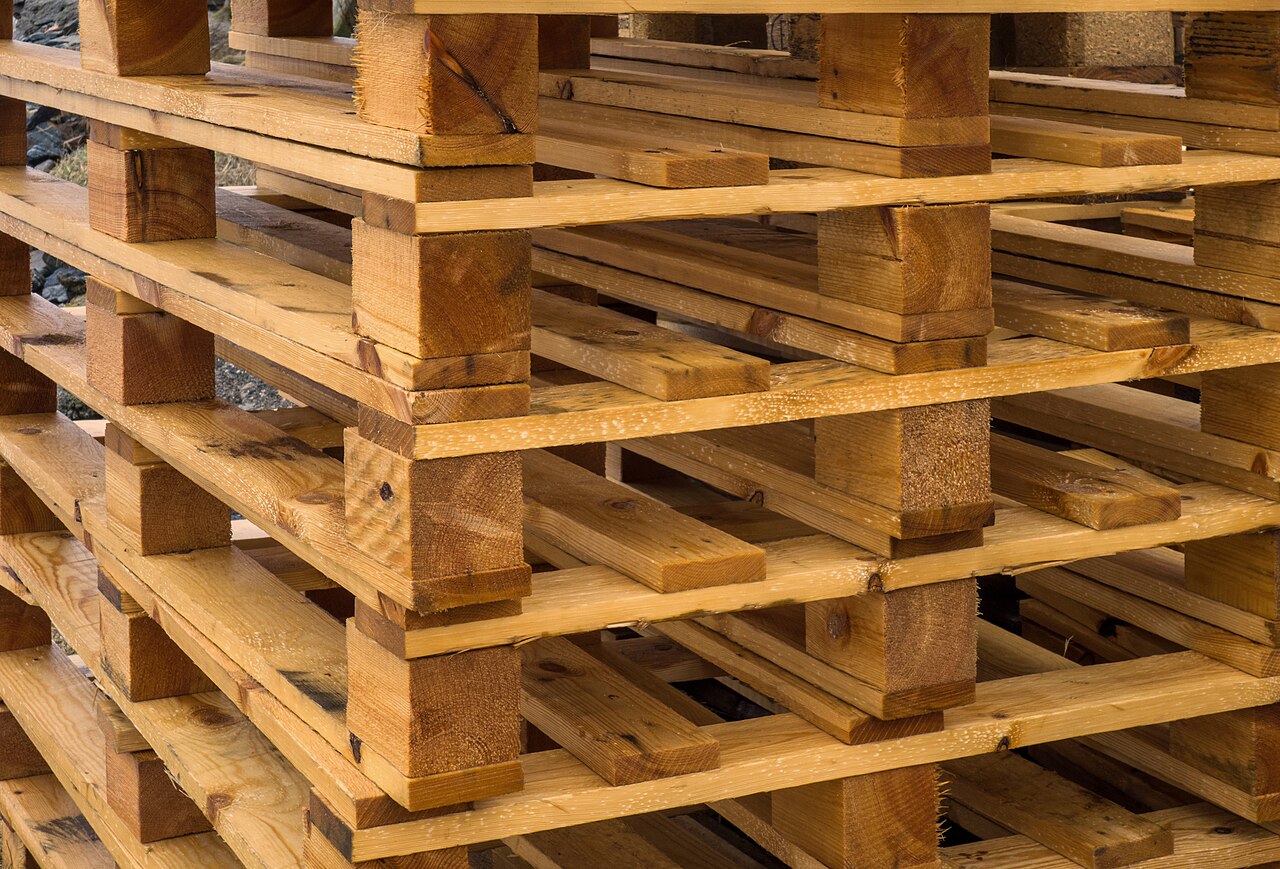
| Pallet — 托盘 | A flat wooden (or plastic) platform goods are stacked on, built so a forklift or pallet jack can slide its forks underneath and lift the whole load at once. On the floor it is the board under almost every stack of cartons; standard sizes are roughly 1.2 m × 1.0 m or 48″ × 40″. |
| LPN — License Plate Number | The ID number of one pallet load — a barcode label stuck on the pallet that stands for everything on it. Instead of scanning twenty cartons, you scan the LPN once and the system knows the whole load. On the floor: the big barcode label on the side of a wrapped pallet. |
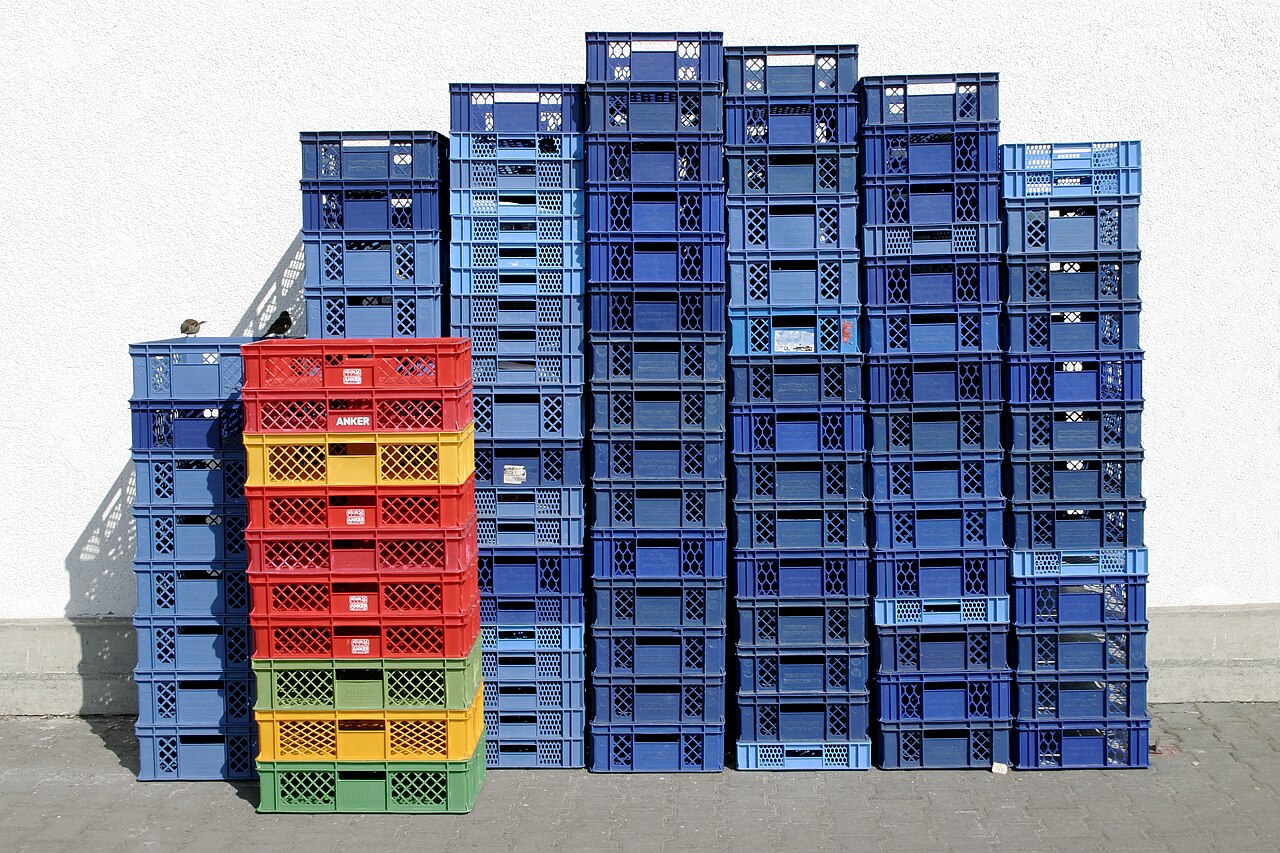
| Tote — 周转箱 | A reusable plastic box used inside the warehouse: pickers drop picked items into a tote, and the tote carries one order (or one part of it) to packing. On the floor: the coloured plastic boxes stacked by the picking aisles and riding on carts — they go round and round, unlike cartons, which are used once. |
| SKU — Stock Keeping Unit | The code for one distinct product: one model, one colour, one size = one SKU. A red T-shirt in size M and the same shirt in size L are two SKUs. On the floor it is not a thing but a label: the product code printed on cartons, shelf labels and every document line. |
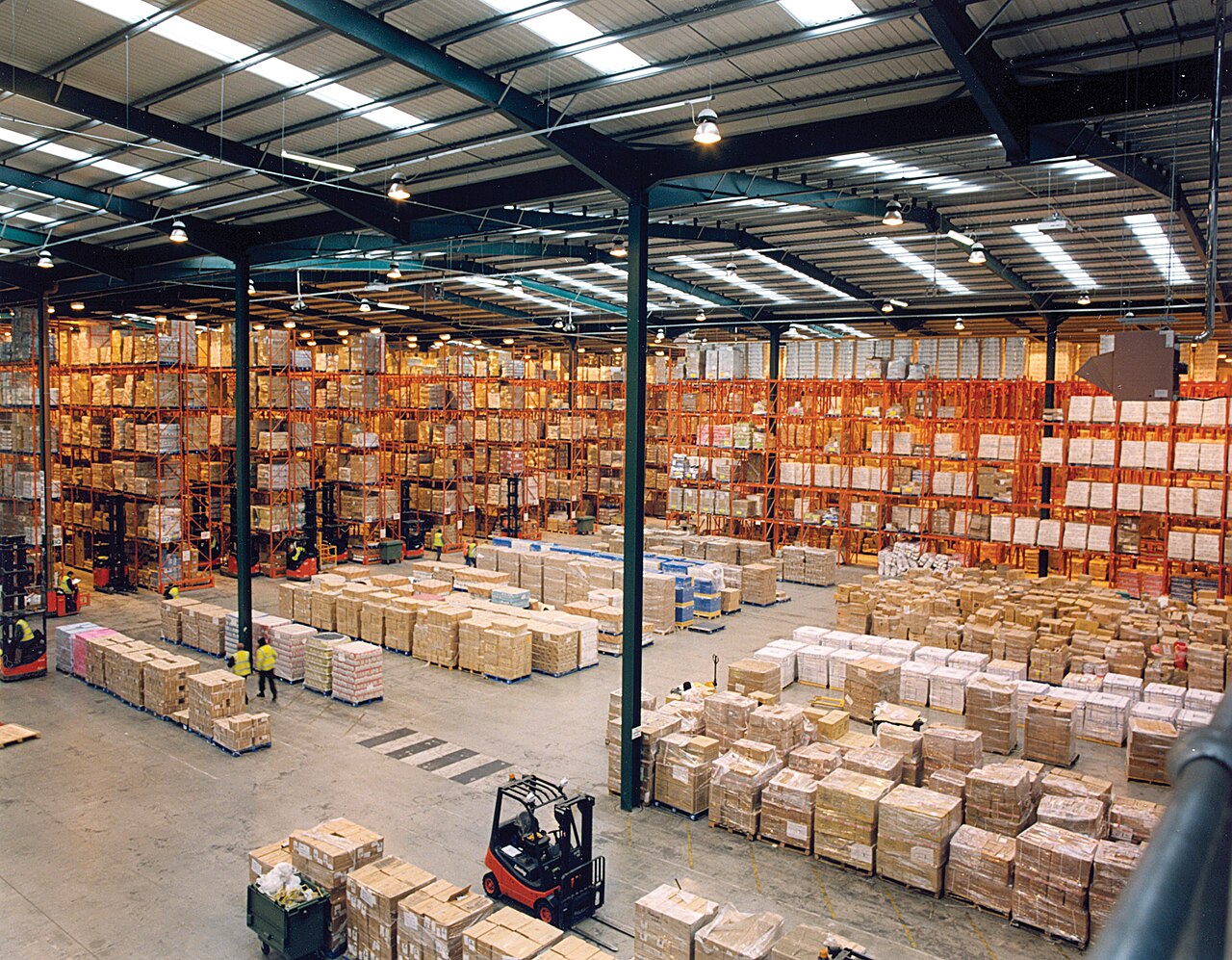
| Location — 库位 | One addressable storage slot: one pallet position on a rack, one shelf bin. It has a code (like A-03-12-2) and a label, and the system tracks what sits in it. On the floor: stand in an aisle and every labelled slot you can see, high and low, is a location. |
| Zone — 区域 | A whole area of the warehouse: the cold zone, the picking zone, the hazmat zone. A zone contains many locations and usually matches how the floor is divided — by temperature, by work type or by client. On the floor: the part of the building you walk into through one doorway, often signed overhead. |
Two of these cause the most mix-ups in Docklify terms, so here is the sharp version. First: a zone is physical — a location belongs to exactly one zone — while a Location Group (WMS → Location Groups) is a rule tag: cold, high-value, one client’s goods; one location can sit in several groups at once. Second: picking from a storage location in Docklify goes by pallet — you scan the pallet (its LPN) before the product — while picking locations serve loose units directly. Zone says where your feet are; group says which rules apply; LPN says which load you are touching.
Reading a location like an address#
One worked example ties half the table together. The label A-03-12-2 reads big-to-small, like an address: zone A, aisle 03, bay 12, level 2. The goods in it belong to one client, arrived under one inbound order, and will leave under an outbound order — picked, possibly after a replenishment filled that level, and shipped in the next wave. If you can narrate one label that way, you already speak most of the warehouse’s language; the rest of the words are variations on the same story.
The moves: what people do to goods#
Goods enter, get put somewhere, get taken out again, get refilled, and occasionally skip storage entirely. Five verbs — plus the place where trucks meet the building — cover almost all of it.
| Term | In plain words |
|---|---|
| Put-away — 上架 | Carrying received goods into a storage location and recording exactly where they went. It is the moment cargo becomes stock: before put-away the goods are “somewhere near receiving”; after it, the system can name the location. Done mostly by forklift for pallets, by cart for small goods. |
| Pick — 拣选 | Taking the exact items and quantities an order asks for, out of their locations, into a tote or cart. Picking is the most walking-heavy job in the building, which is why tasks list locations in walking order. On the floor: the person with a scanner and a cart, stopping at shelf after shelf. |
| Replenishment — 补货 | Refilling a picking location from reserve storage before it runs empty. Pickers take small amounts many times a day; storage holds the bulk. Replenishment is the conveyor between them. Skip it, and pickers stand in front of empty shelves while the goods sit ten metres up in the same aisle. |
| Wave — 波次 | A planned batch of orders released to the floor together — say, all orders for one carrier’s 4 p.m. pickup — picked in one coordinated pass. Think of it as a tide: instead of orders dripping out one by one, a wave goes out at a set time. On the floor: a sudden group of pickers starting together after the wave is released. |
| Cross-dock — 越库 | Goods that cross the dock without being stored: unloaded from an inbound truck, sorted, and loaded onto an outbound truck, often the same day. They never get a storage location — the dock itself is their only stop. On the floor: pallets that live by the doors, wrapped, labelled, and gone by evening. |
| Dock — 月台 | The loading edge of the building where trucks back in: a raised platform with doors (dock doors), levelers and seals, where loading and unloading happen. People also say “the dock” for the whole area in front of the doors, inside and out. Chinese note: it is 月台, not 码头 — 码头 is for ships. |
In Docklify these moves are tasks, and the words match: outbound orders generate pick tasks in WMS → Outbound Orders → Create pick task, in three flavours — Order Pick (one order at a time), Batch Order Pick (several orders in one trip) and Wave Pick (a planned wave like the one above). Put-away after receiving runs the same way on mobile, and the system records the location actually used, even when it differs from its suggestion.
Put-away and replenishment are the same move in opposite directions, and telling them apart is a classic first-week test. Put-away takes goods that just arrived and gives them a home in storage. Replenishment takes goods that already have a home in storage and moves them forward to the picking face because orders are draining it. One is fed by receiving; the other is fed by orders. If the pallet came off a truck this morning, it is put-away; if it came off a high rack to rescue an empty picking slot, it is replenishment.
The paper and the people: documents, roles and rules#
The last eight words are not things you can drop on your foot. They are the notice that arrives before the truck, the two order documents that move everything, the two roles of a 3PL warehouse, the two queue rules for which stock leaves first, and the housekeeping words — slow-moving stock and the count that keeps the books honest.
| Term | In plain words |
|---|---|
| ASN — Advance Shipping Notice | A message sent before the truck: “I am coming Tuesday, with these SKUs, these quantities, on this many pallets.” It lets receiving book a door and prepare people instead of being surprised. On the floor you never see an ASN — you see its effect: a booked dock door and a team that is ready. |
| Inbound order / receipt — 入库单 | The document that says what is coming in and, once received, what actually arrived: SKUs, quantities, the client it belongs to. Receiving works against it; put-away starts from it. If goods arrive with no inbound order, they are a surprise the system knows nothing about. |
| Outbound order — 出库单 | The document that says what must leave: which SKUs, how many, to whom, by when. Picking, packing and shipping all work against it, and it is only finished when the goods are actually out the door. Its status tells the story as it goes — in Docklify terms, stock is first Allocated (reserved for the order) and the order becomes Fulfilled when the goods have shipped. |
| Client — 货主 | The company that owns the goods in a 3PL warehouse. The warehouse stores and moves the goods, but they belong to the client — which is why every inbound order, location rule and bill names a client. On the floor: the name on the carton, and sometimes a whole area of racks reserved for one client. |
| 3PL — Third-Party Logistics | A company that warehouses and ships goods for other companies, for a fee. “Third party” because three sides are involved: the goods’ owner, the 3PL, and the carrier or end customer. Most large warehouses you will ever walk into are 3PLs serving many clients under one roof. |
| FEFO / FIFO — 先到期先出 / 先进先出 | Two queue rules for which stock leaves first. FIFO = first in, first out: the oldest received goes first. FEFO = first expired, first out: the earliest expiry date goes first, even if it arrived later — the rule for food, cosmetics and medicine. On the floor they are invisible, but they decide which pallet a task sends you to. |
| Slow-moving — 滞销 | Stock that has sat still for a long time — no orders, no picks, just rent-paying dust collection. Every warehouse has some, usually in the deepest racks. It matters because it quietly eats the locations your fast movers need, which is why reports flag it and someone eventually phones the client about it. |
| Cycle Count — 盘点 | Counting a small slice of the warehouse on a rolling schedule — a few locations every day — instead of shutting down once a year to count everything. Variances are approved and posted as adjustments. On the floor: a quiet person with a scanner in a random aisle on a Tuesday, counting one location very carefully. |
In Docklify the paper trail uses the same words: receipts live in WMS → Receipts, outbound orders in WMS → Outbound Orders, and several outbound orders are combined into one truck with a Load document (WMS → Loads). Cycle counts are formal count tasks: you create the task, enter the counted quantities on desktop or mobile, and variances are approved before they are posted as adjustments — nobody edits stock numbers freehand.
Spotting the paperwork words on the floor#
- An ASN announces itself before you see it: a booked dock door, a printed receiving list and a team that is not surprised.
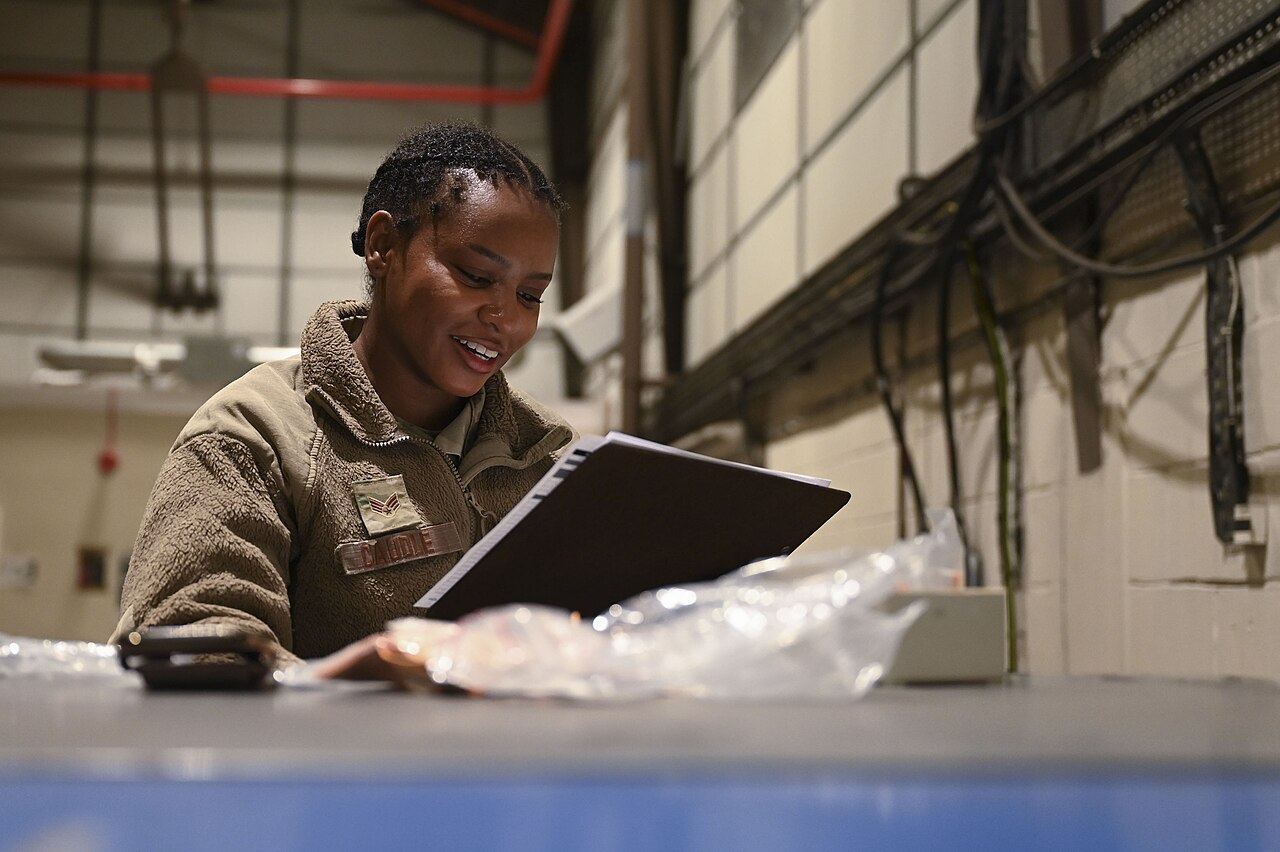
- An inbound order being worked looks like counting: people at a pallet with a list or a scanner, comparing cartons to paper.
- An outbound order being worked looks like motion toward the doors: totes filling up, carts rolling to packing, parcels stacking in staging by carrier.
- Slow-moving stock announces itself with dust, faded labels and the deepest rack positions — if a pallet looks like archaeology, it is probably this word.
Words that sound similar but are not#
- Zone vs Location Group — a zone is one physical area (a location is in exactly one); a group is a rule tag (cold, high-value, one client) and a location can carry several at once.
- Allocated vs Fulfilled — allocated means the stock is reserved for an order and cannot be promised to anyone else; fulfilled means the goods have actually shipped. Reserved is a promise; fulfilled is a fact.
- ASN vs inbound order — the ASN is the supplier’s advance message about a shipment; the inbound order is your own receiving document in the system. The ASN informs it, but they are written by different sides.
- Tote vs carton — a tote is the warehouse’s own reusable box that comes back; a carton is the shipping box that leaves with the goods and never returns.
- Wave vs batch pick — a wave is the planned release of a group of orders at a set time; batch picking is how one picker collects several orders in a single trip. A wave can be batch-picked, but the words answer different questions: when, versus how.
The fastest way to learn these words is a ten-minute floor walk with this list in hand: stop at one pallet, one location label, one tote, one dock door, and say the word out loud at the thing it names. Terms learned at the object stick; terms learned from a slide do not. After two or three walks, the shorthand stops sounding like a foreign language — because you have seen everything it points at.
A first-week survival kit#
- When a word stops you, ask “is it a thing, a move, or a paper?” — the answer usually unlocks the sentence around it.
- Never nod along to a term you cannot point at. Warehouse people would rather show you the thing than watch you guess wrong for a week.
- Write the word next to a sketch, not next to a translation: a drawn pallet teaches “pallet” faster than any dictionary line.
- Learn the five verbs first — receive is on the inbound order, then put-away, replenishment, pick, and out on the outbound order — and the nouns will attach themselves to the story.
Docklify features used in this article#
- Location Groups — WMS → Location Groups: rule tags (cold, high-value, one client) that a location can carry several of, unlike its single physical zone.
- Pick tasks — WMS → Outbound Orders → Create pick task: Order Pick, Batch Order Pick and Wave Pick.
- Receipts — WMS → Receipts: the inbound receiving documents that receiving and put-away work against.
- Loads — WMS → Loads: combine several outbound orders into one truck load.
- Order statuses — allocated and fulfilled: stock is Allocated when reserved for an order, and the order is Fulfilled when the goods have shipped.
- Cycle count tasks — count a slice of locations on a rolling schedule; variances are approved before posting as adjustments.