Packing photo stations: photograph every parcel before it leaves
When a customer says an item was missing, damaged or swapped, a dated photo of the open box — showing the goods and the shipping label — is often the only proof you have. This guide covers camera position, linking photos to order numbers, how long to keep them, and what makes a photo count as evidence.
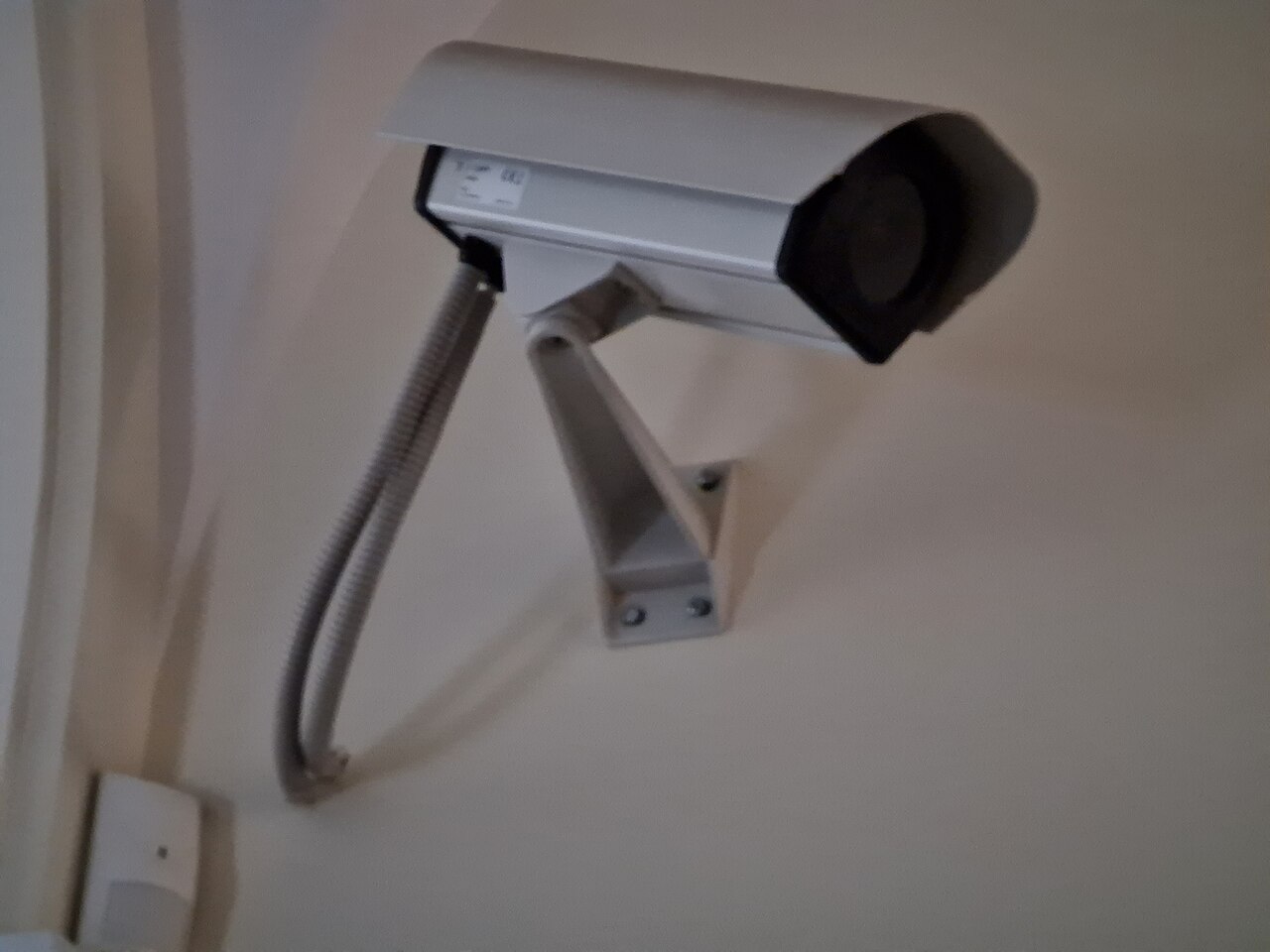
Every warehouse knows this conversation. The customer says the box arrived with one item missing. Your packer says everything went in. The carrier says the parcel was intact when delivered. Without evidence, the argument is settled by whoever shouts loudest — and the warehouse usually ends up reshipping the item or refunding it, just to close the case. A packing photo station exists to end that argument before it starts: a camera over the packing bench takes a photo of every order, open box, goods visible, just before sealing.
It does not need to be complicated or expensive. A fixed camera or an industrial camera head aimed at the bench, a clear rule for when the photo is taken, and a photo file that is tied to the order number — that is the whole system. What matters is not the camera model. What matters is that the photo is taken the same way every time, that you can find it in seconds when a claim arrives weeks later, and that it actually shows what you need it to show. This guide walks through each of those points in plain language.
Why photos matter: the three disputes they settle#
Short shipments are the first case. The customer ordered five and says four arrived. A photo of the open box showing five items, taken at your bench before sealing, does not prove what happened inside the carrier network — but it moves the conversation from “your word against mine” to “here is the box as it left us”, and most marketplaces and payment platforms treat that as real evidence. Missing-item claims are the most common dispute in parcel shipping, and they are exactly the dispute a packing photo answers.
- Missing item: the photo shows every item placed in the box before sealing — count them in the photo, compare with the order.
- Wrong item or wrong variant: the photo shows the colour, model or label of what actually went in — enough to tell a picking error from a customer mistake.
- Damage arguments: a photo of undamaged goods in proper packaging supports your side when a carrier or customer says the goods were already broken or badly packed.
- Internal mistakes: photos also catch your own errors. A quick review of a day’s photos often shows a packer skipping filler or closing a box before the last item went in.
The photo works alongside the checks you already do, not instead of them. At the packing bench in Docklify, the Packing Station (SaaS → WMS → Packing Station) runs that check in the system: scan the order or parcel barcode to pull the order up, then scan each item as you pack it, so a wrong or extra item is flagged on the spot. The photo then adds a visual record of the same moment — what the system recorded as scanned, the camera recorded as seen.
Where to put the camera: see the goods and the label together#
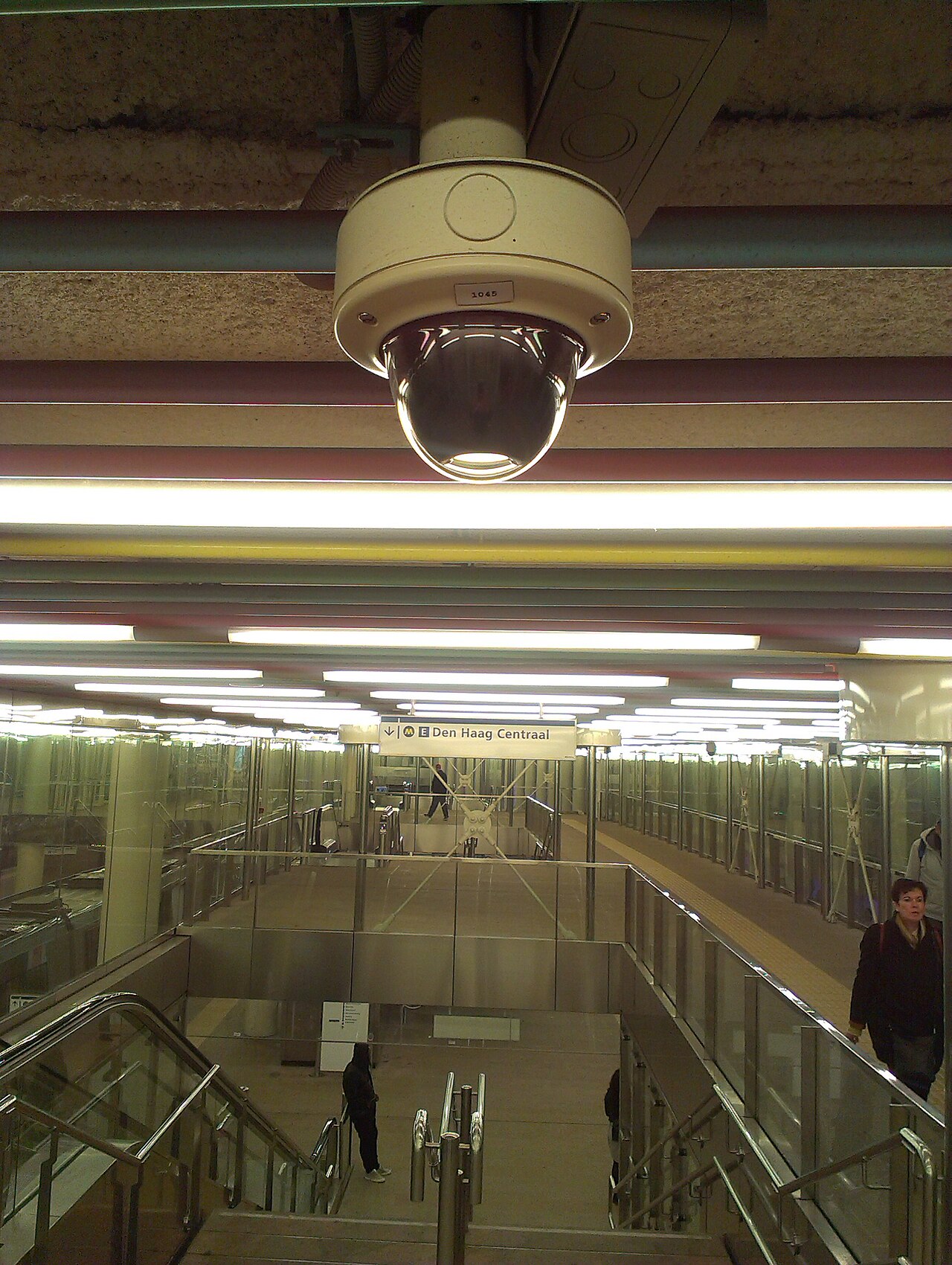
The one position that works is above the bench, looking down at an angle. Mount the camera on a bracket or shelf roughly one to one and a half metres above the packing surface, tilted so the frame covers the whole open box plus a strip of bench beside it. The packer places the shipping label — or the order slip — next to the open box for the shot, so one photo shows three things at once: the goods inside the box, the quantity and condition, and the label that ties this box to this order. A camera pointing straight down from directly overhead can work too, but it flattens everything and makes labels hard to read when they sit at the side of the box.
- Cover the whole box: the frame must include all four edges of the open box, so nothing can hide outside the picture.
- Mind the light: a bright bench lamp, no window behind the bench. Backlight turns goods into black shapes and makes labels unreadable.
- Fix the camera: a camera that gets knocked or borrowed for other jobs produces a week of photos at the wrong angle before anyone notices.
- Test with a real order: pack one normal order, take the photo, and zoom in. If you cannot read the label text and count the items on a phone screen, adjust before going live.
One more practical point: take the photo at the same moment in the flow every time — goods in, filler not yet hiding them, label beside the box, before the tape. If packers choose their own moment, half your photos will show a sealed box, which proves nothing except that a box existed. A sealed-box photo is the most common reason packing photos fail in a real dispute: it looks like evidence, but it shows nothing about the contents.
A photo without an order number is just a picture#
A claim usually arrives two to six weeks after shipping. At that point nobody remembers the parcel; the only handle you have is the order number or the tracking number. So the photo has to be findable by that number. The two reliable ways are: the label sits inside the frame and its number is readable, or the photo file itself is named and stored by order number with a timestamp. Doing both is best — the visible label proves the link on the day, and the file name makes the photo findable months later. A shared folder full of files named IMG_0001 is where photo systems quietly die.
The order link also comes from the weighing step at the same bench. In Docklify’s Packing Station (SaaS → WMS → Packing Station), the parcel weight is recorded on the shipment / parcel record when packing is confirmed, and the weight source — scale reading, hand-entered or theoretical — is written to the audit log. So for one order you hold three records of the same moment: the item scans, the recorded weight and your photo. A box that was photographed with five items and weighed accordingly is much harder to argue with than any one record on its own.
A simple flow that a new packer can follow#
- 1. Pull up the order first: scan the order or parcel barcode, confirm on screen that this is the order you are about to pack.
- 2. Pack and scan each item as it goes in, so the system count and the box contents stay the same thing.
- 3. Arrange the top layer so the items can be counted in a photo; place the label or order slip beside the open box.
- 4. Take the photo. Check it on the spot: goods countable, label readable, nothing blurred. Retake now if not — there is no later.
- 5. Add filler on top, seal, weigh, print and apply the shipping label, and confirm the shipment.
- 6. At the end of the day, spot-check a handful of photos against their orders. Five minutes of checking keeps the habit honest.
A note on the equipment side, stated plainly: in Docklify, the devices that connect to the warehouse today through Device Hub, the local device app on the bench computer, are printers and scales — that is what is live. A camera that automatically takes and files the packing photo per order is a planned extension, not a live feature, so do not buy hardware expecting Docklify to file your photos today. Until then, the routine above — a fixed camera, a named folder or photo app per order number, and a daily spot-check — is a fully workable manual version of the same idea.
How long should you keep the photos?#
Keep photos at least as long as a claim can still arrive. For most parcel sales that window covers the marketplace or payment dispute period plus the carrier claim deadline — in practice, many warehouses keep packing photos for 90 to 180 days, and longer for high-value goods, B2B shipments with long acceptance periods, or anything regulated. Photos are small files; a day of packing photos usually takes less space than one phone video. Storage is rarely the real cost — not being able to find the photo is. Delete on a schedule, automatically, rather than keeping everything forever and drowning the useful photos in years of clutter.
| Goods type | Suggested keeping time | Why |
|---|---|---|
| Everyday consumer parcels | 90 days | Covers most marketplace dispute windows |
| High-value items (electronics, jewellery) | 180 days or more | Chargebacks and insurance claims arrive late |
| B2B / retail shipments | Until acceptance + claim period ends | Retailers check and claim on their own timetable |
What makes a photo actually count as evidence#
- Sharp enough to read: at full zoom you can read the label number and identify each item. If not, it is a decoration, not evidence.
- Timestamped: the photo carries a date and time from the camera or system, close to the shipment’s dispatch time.
- Linked to one order: the label or order number is visible in the frame or in the file name — never “probably this order”.
- Taken before sealing, unedited: originals only. A cropped, filtered or re-saved photo invites the other side to question all of it.
- Consistent: the same bench, angle and moment for every order. A system that photographs every parcel cannot be accused of staging one photo for one claim.
Common mistakes that waste the whole setup#
- Photographing the sealed box. It proves a box existed and nothing else — the single most common failure.
- Label outside the frame. Goods without an order link cannot be matched to the claim that arrived.
- Photos on a personal phone. When that person is on leave, or leaves the company, your evidence leaves with them.
- No spot-checks. Cameras drift, lamps die, a new starter skips the step — without a daily look, you find out from a lost dispute.
- Keeping everything forever with no naming. Ten thousand unlabelled photos are as useless as none.
Docklify features used in this article#
- Packing Station packing check: scan the order / parcel barcode to pull up the order, scan each item while packing — SaaS → WMS → Packing Station
- Parcel weight recorded on the shipment at packing confirmation, with the weight source written to the audit log — SaaS → WMS → Packing Station
- Local devices via Device Hub (printers and scales are live today; automatic per-order packing photos are planned, not yet live) — install from docklify.com/download