Payments: record receipts and payments, apply to documents
Last updated 2026-10-14
Record a real receipt or payment (amount, date, method), apply it against an invoice or bill, and watch paid / partial / overdue derive from the remaining balance.
A payment record says "this much real money moved on this date". Applying it (also called matching or allocation) means linking that money to the invoice or bill it settles. The remaining balance — total minus applied payments — decides whether the document reads paid, partial, or overdue.
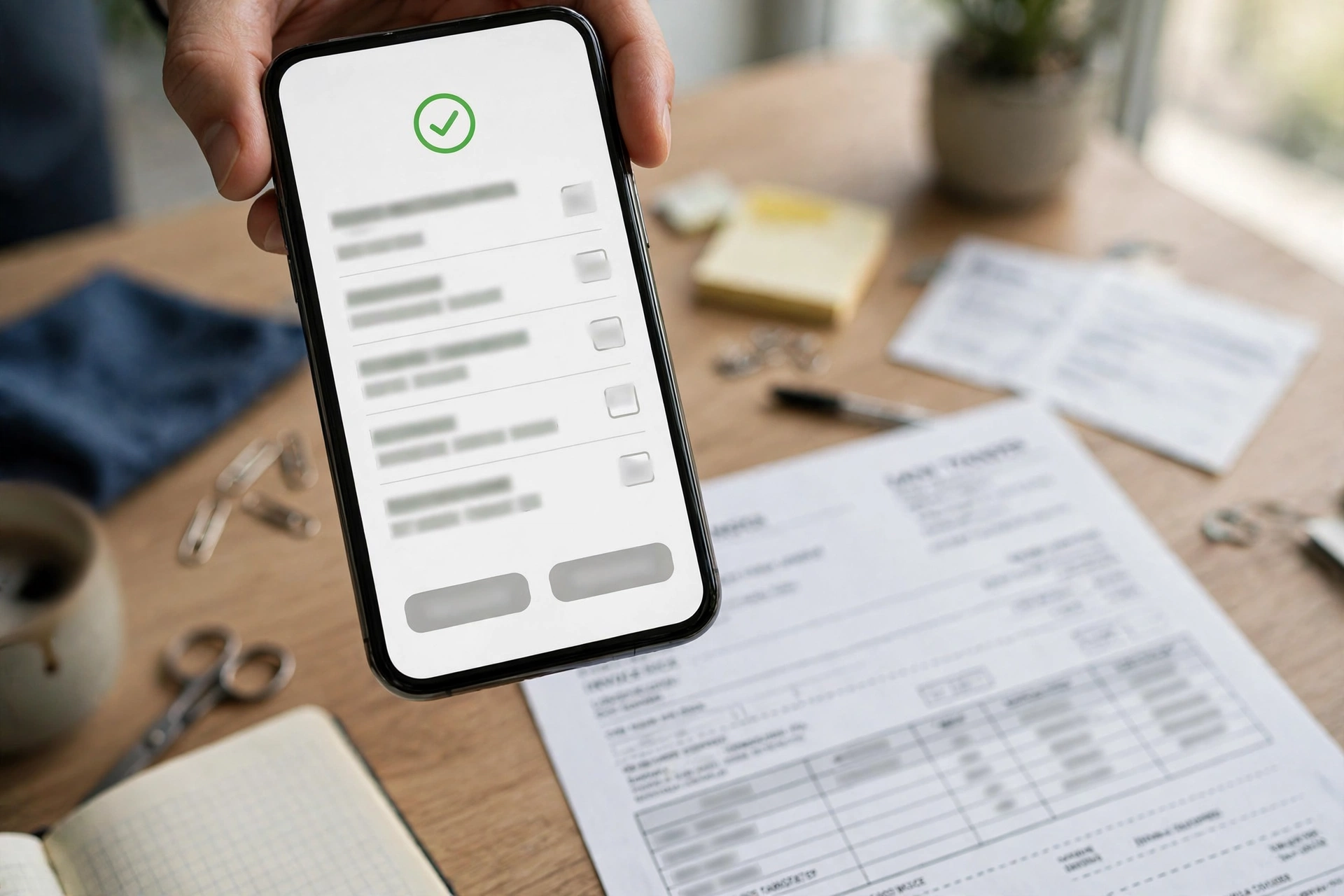
Record a receipt in 4 steps#
- Open the invoice (Accounting → Invoices) and choose to record a payment against it.
- Enter the amount — it cannot be more than the remaining balance — and the payment date.
- Pick the method: cash, check, wire, ACH, or card.
- Add the reference (bank slip or transaction number) and notes, then save — the invoice balance and status update immediately.
How the status is derived#
- Remaining balance = 0 → paid.
- Remaining balance > 0 and something already applied → partial.
- Remaining balance > 0 and the due date passed → overdue.
- Otherwise the invoice/bill keeps its previous status.
The payment ledger#
- Every receipt and payment lands in one ledger (acc_payments) with a direction: in = money received, out = money paid.
- Each record carries amount, payment date, method, reference, and the invoice or bill it was applied against.
Always fill in the reference with the bank slip or transaction number — when the bank statement arrives, you will thank yourself.
Payments here only apply to AR invoices (INV-) and AP bills (BILL-). 3PL merchant statements (MINV-) cannot be settled here — that link is not implemented.