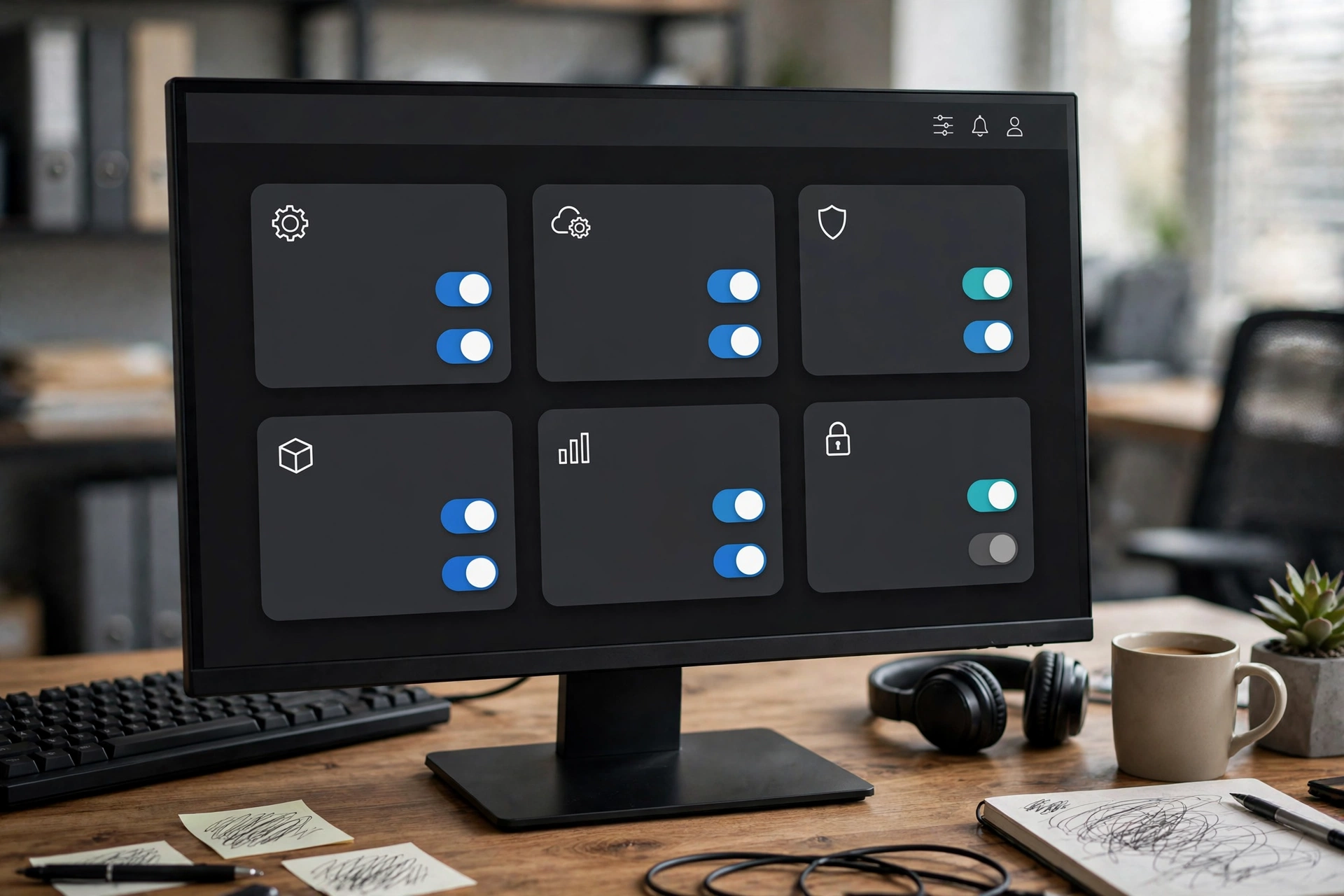
App enablement: turn tenant apps on or off
Last updated 2026-10-14
Hide apps your company does not use; disabled apps leave the app switcher and are blocked on direct access. Admin itself is locked on.
App enablement decides which apps (WMS, OMS, TMS…) your company sees and can use. If your company does not use an app, turn it off: the screens stay tidy and employees cannot click into the wrong place. Turning apps back on is just as easy.
Where to toggle#
- Open Admin → Organization settings.
- Find the “App availability” section: each app shows one switch.
- Flip the switch for the app you want on or off. It takes effect immediately — no save button needed.
What happens when an app is off#
- It disappears from the app switcher (the nine-dot grid) and from navigation — employees simply do not see it.
- If someone opens the app’s URL directly, they are intercepted and sent to an “app disabled” page instead of the app.
- No data is deleted. Turn the app back on and everything is where you left it.
Your subscription suite sets the outer boundary: apps that are not part of your suite (for example WMS on Commerce Starter) stay hidden no matter how the switches above are set. If you need an app outside your suite, talk to the Docklify team about upgrading your suite — the switch appears here automatically once the suite changes.
Admin (the control center itself) is locked on and cannot be disabled — this protects you from locking yourself out of your own settings.
Today this is a tenant-wide on/off switch for the whole app. Finer control — like which role may open which page — is switched off platform-wide for now and will be configured uniformly once all features are complete.